Is Your Intranet Stuck in 2015? 5 Strategic Shifts to Build a Modern Intranet
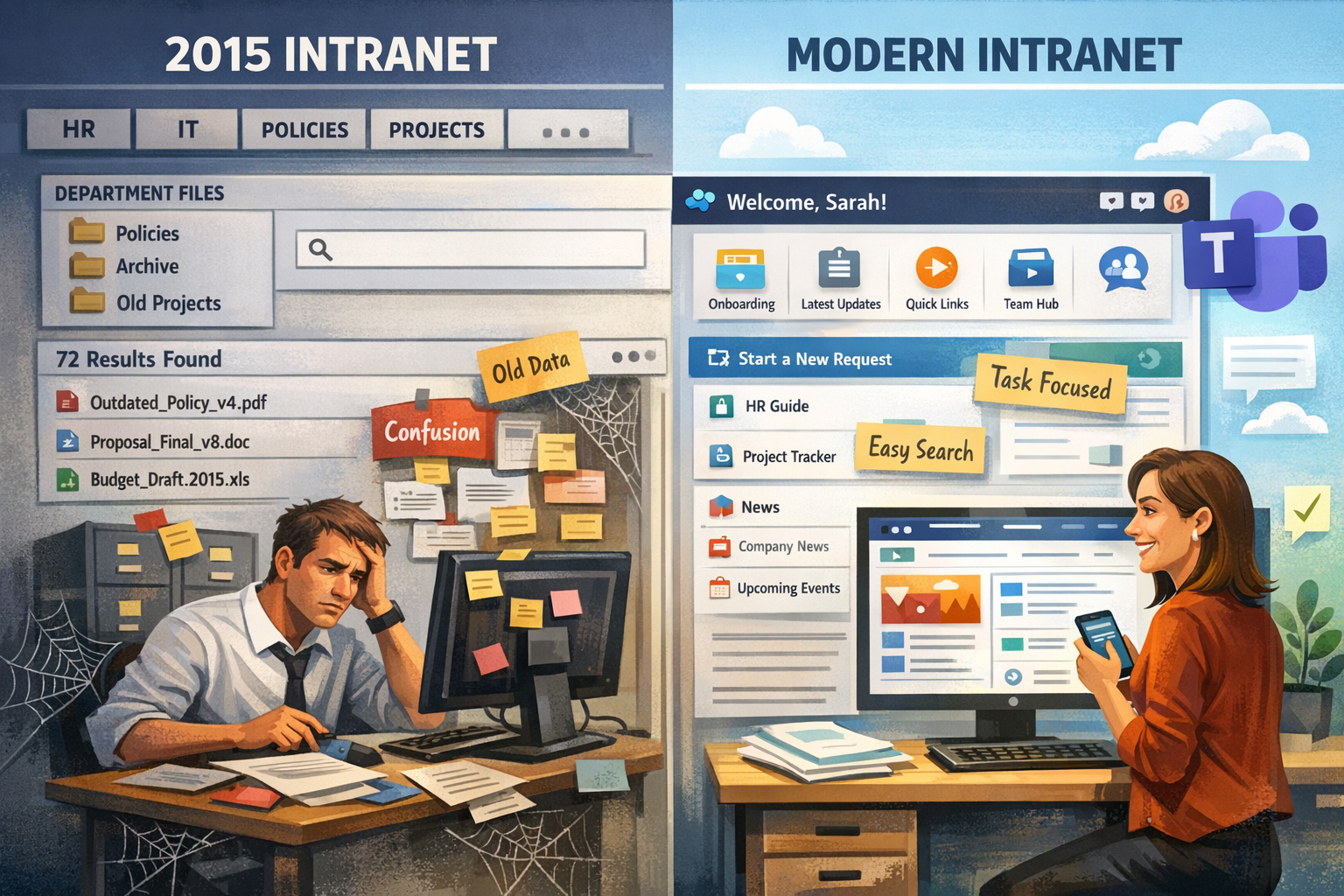
Every company’s intranet tells a story. But it might not be the story you want to share.
Folders are organized like an old-fashioned org chart.
“Policies” pages link to PDFs from years ago.
Project sites still seem active, even though the projects wrapped up long ago.
Search results often seem like a gamble, occasionally lucky, but mostly not.
If this sounds familiar and you are considering, planning, or revamping your organization’s intranet, we’re glad you’re here.
We at Envision IT have been planning, designing and deploying custom SharePoint intranets since 1988, helping organizations modernize their digital workplace, and we can say with certainty that the problem isn't the technology; it’s the experience.
Today, we’ll break down what a modern intranet is and the key shifts organizations need to make. In the next article, we’ll show how to implement those shifts in SharePoint Online.
But first, let’s begin with a quick scenario that might seem all too familiar.
The Hidden Tax of an Outdated Intranet
Your intranet may seem harmless, but it’s quietly imposing a productivity tax on your organization each week.
Multiple studies show that knowledge workers spend a significant portion of their day searching for information that already exists.
For example, IDC has reported that knowledge workers spend around 2.5 hours per day searching for information (about 30% of the workday).
McKinsey has similarly found that employees spend about 1.8 hours per day, roughly 9.3 hours per week, searching for and gathering information.
In a 200-person organization, 9.3 hours/week becomes roughly 96,720 hours per year spent searching for information you already have.
How does this happen? Because people often don’t know where the “official” information lives, or which channel to use to find it. So, they check a few places, ask a colleague, and when they still can’t confirm what’s current, they recreate it.
That’s the issue: the intranet is built like a digital filing cabinet. It’s great at storing content but bad at surfacing clear answers, turning every search into a time sink.
And, here’s what that looks like in practice:
A sales rep needs the latest proposal template.
They go to the intranet. They find “Sales Assets.”
Inside are 18 templates. Different dates. Different logos. Different pricing tables.
They choose one. It looks fine. But it’s not actually the correct template.
The day before the sales call, the team reviews it.
And now, the true cost becomes evident.
Marketing notices the logo is outdated.
Finance flags the pricing table as old.
Legal points out a clause that changed last quarter.
The rep is stuck scrambling at the last minute.
That’s when it becomes clear: your intranet needs more than just a facelift; it requires a modern rebuild.
.png "intranet-score-card-banner")
What is a modern intranet?
Just like in the 1990s when the concept of the ‘intranet’ was first introduced, the intranet remains the heartbeat of your organization and should be the centre of gravity of your workplace.
In 2026, a modern intranet is intelligent, engaging, informative, personalized, and integrated with other portals and sites within your intranet, as well as with other Microsoft 365 apps, such as Teams, OneDrive, Viva, Copilot, and more.
What defines a modern intranet?
- Fast to launch, easy to evolve: Adaptable designs can be built using out-of-the-box pages and web parts, and no longer solely depend on IT to deploy.
- Designed for real humans (and real devices): Accessible design principles are built into the modern experience, enabling viewers to securely access the intranet on any device.
- Personalized experience: Modern intranets surface what matters to you, based on role, region, team, or needs, so employees aren’t buried under content that doesn’t apply.
- Software as a service: Modern intranets require ongoing improvement to stay current, gaining new capabilities over time.
A modern intranet is an investment. By dedicating resources to creating or modernizing your intranet now, you will enable your organization to work faster and more efficiently than ever before.
Curious to see how “modern” your SharePoint intranet really is?
Use our Intranet Scorecard to find out →
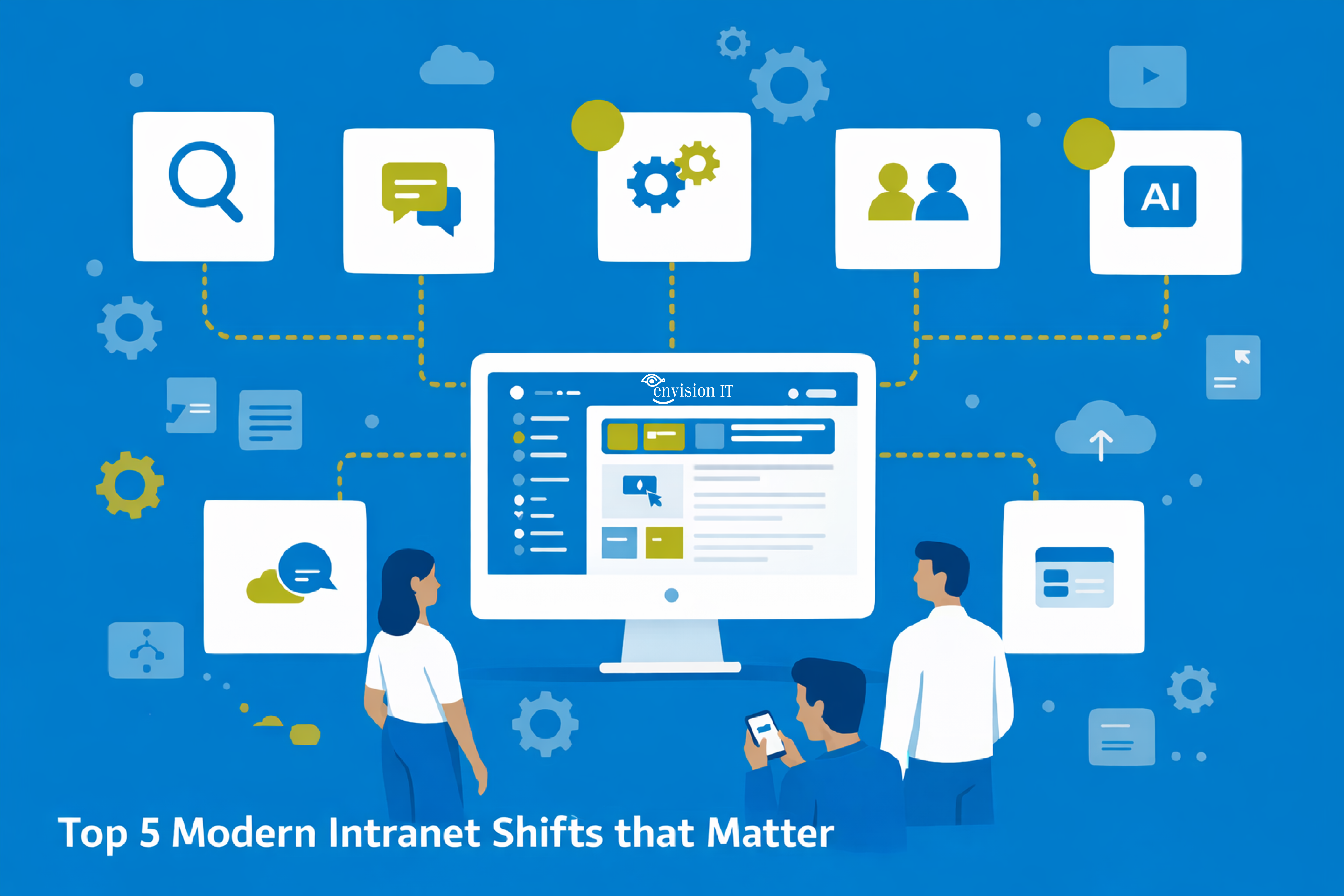
The Modern Intranet Shifts that Actually Matter
The companies that are thriving aren’t abandoning the intranet; they’re rethinking what workplace collaboration means for their organizations.
When employees spend hours each week searching for information, the intranet isn’t a support tool; it’s a drain on productivity.
The question is: What does a modern workplace need from a modern intranet?
(Hint: it’s not more content!)
Shift 1: From document storage to trusted answers
Old intranets start with libraries. Modern intranets lead with guidance.
If employees have to open five documents to find out what’s true, the intranet isn’t helping; it’s just creating extra work. The real problem isn’t whether the information exists, but whether employees can find the official answer.
To learn more about why SharePoint is a solid foundation for creating a modern intranet, read: Eight reasons why SharePoint is your best intranet solution.
Microsoft’s intranet guidance emphasizes using communication sites to inform and engage broad audiences, with content designed to be read and understood rather than buried in file structures.
What communication sites are for:
- Sharing company news, announcements, and updates in a visually compelling way.
- Engaging dozens, hundreds, or thousands of readers across the organization.
- Showcasing services, programs, or initiatives (and telling the story behind them)
What this looks like in a modern intranet:
- Use project or program sites when the purpose is to communicate status, outcomes, and direction (not co-author day-to-day work).
- You lead with pages that explain (policy/process/what-to-do) and use documents as supporting detail.
- You make trust visible through a publishing discipline and page review before publishing, which is a documented pattern for modern pages.
- You treat “official” as a standard, not a hope, by using versioning and approval controls to keep guidance current and traceable.
The outcome is fewer “final_final_v7” workarounds, because everyone understands what’s current and approved.
Shift 2: From org charts to user journeys
Traditional intranets mirror departments. Modern intranets mirror how work actually happens.
Department-first intranets make sense on paper: HR has a site, IT has a site, Marketing has a site. But employees don’t experience work as a set of departments—they experience it as moments:
“I’m onboarding. Where do I start?”
“I need access. What’s the process?”
“A policy changed. What do I do now?”
“I’m launching a project. What template do we use?”
“I’m creating an SOW. What’s the approved approach?”:
When navigation is based on internal structure, it quickly becomes outdated because org charts change, and work rarely stays within a single department. People move between HR, IT, onboarding, policies, and delivery resources throughout the same week.
Modern intranet design begins by asking a different question: What are people trying to accomplish? Microsoft’s guidance for planning communication sites clearly encourages teams to consider audience needs and main tasks, and even recommends using the questions you already receive as signals for what employees can’t find.
From there, you arrange content based on the journeys employees truly experience and link those experiences to maintain coherence over time.
The connective tissue that makes it work: hubs + intentional navigation
Once you build around journeys, you need a structure that keeps everything connected without becoming rigid.
Hub Sites, a core intranet building block, is the “connective tissue” that brings related sites together through shared navigation, shared branding, and content rollups.
Designing around journeys and linking them to hubs and intentional navigation keeps the intranet useful during restructuring, as journeys remain consistent even as org charts change.
And if you want a deeper take on how this structure connects to how people actually collaborate day-to-day, here’s a helpful perspective on why many organizations benefit from a Teams-first approach to information architecture: Why Your Microsoft 365 Adoption Needs a Teams-First Approach.
Shift 3: From broadcast to engagement
Traditional intranets attempt to serve everyone equally. Modern intranets attract attention by intentionally being relevant.
The old model assumes one central page can satisfy everyone’s needs. As a result, the homepage becomes a crowded bulletin board: every update, link, and initiative because “everyone should see everything.”
The result is that people stop scanning. Important updates get buried, and employees revert to asking colleagues because it’s faster than sorting through ‘noise.’
Modern intranets don’t conceal information; they emphasize it. The homepage remains a shared entry point, but it functions more like a tailored experience: different users see various content first, depending on their role, location, or team.
You can achieve this in SharePoint Online with audience targeting across navigation, pages, and news, ensuring the most relevant items are highlighted for specific groups.
In a modern intranet, relevance and customization are essential for engagement. Displaying what matters most builds trust, increases usage, and makes the intranet more of a time-saver than a time-waster.
Shift 4: From ‘Intranet’ to ‘Digital Front Door’
The traditional intranet is a place you visit. Modern intranets are how you begin your workday.
In the old model, the intranet was a destination employees might visit, usually when they’re lost. It existed apart from daily work, disconnected from where people collaborate, search, and take action. The result was familiar: people defaulted to asking in chat, digging through old links, or recreating work because it was faster than finding “the official thing.”
Modern intranets act like a front door: a dependable starting point that helps users easily find their bearings, locate trusted resources, and access workspaces and content.
This explains why Microsoft positions hub sites as the connective tissue of a modern intranet. It involves linking related sites through shared navigation, branding, and roll-ups to create a seamless user experience.
A core function of the modern intranet is search. Microsoft’s smart search in SharePoint Online is designed to be personal and context-aware, helping users discover the right pages, sites, and files based on their individual access settings, or even make employee expertise searchable.
Shift 5: From keyword search to Copilot-ready
For years, the best an intranet could do was help you find a document. What’s coming next is different: the intranet will become a place where you can ask a question and receive a clear, usable answer.
Copilot is changing employees' expectations of the intranet. Instead of “Where’s the policy?” the question becomes:
- “What changed?”
- “What do I do next?”
- “Summarize this page.”
Copilot in SharePoint is designed to help people work with sites, pages, and files more naturally and conversationally, so you spend less time searching and more time making progress and achieving goals.
Building a modern intranet means designing for the age of AI. Copilot’s success is driven by semantic indexing, which improves relevance and accuracy by understanding relationships within your organization’s content rather than just matching keywords.
But it can only be as helpful as the content you've built: if your intranet is cluttered, outdated, or inconsistent, AI will surface that mess faster. If it’s structured, current, and clearly owned, AI becomes an accelerator.
If you want to see what Copilot will reveal before activating it, the Tenant Dashboard for Microsoft 365 provides that insight quickly. Launch a free scan to identify oversharing, outdated content, and risky workspaces before they appear in AI results.
Finally, this isn’t just about SharePoint content. As organizations adopt Copilot and other AI tools, users will expect next-generation information retrieval that spans answers from more than one place: policies, tickets, knowledge bases, CRM notes, and line-of-business systems, to deliver intelligent experiences.
The modern intranet isn’t just improving as a website. It’s becoming the central hub for how employees access knowledge, especially in an AI-driven workplace.
Why a modern intranet matters for your organization
If there’s one key takeaway from this article, it’s this: a modern intranet isn’t about having more content; it’s about making work easier. When you shift from document storage to trusted answers, from department menus to genuine employee journeys, and from feedback to engagement, the intranet stops being just “another site”. It becomes the go-to place people depend on, and the tool your teams use to get work done faster, easier, and with more meaning.
Don't miss our upcoming .png "copilot-security-readiness-webinar-90-days") webinar
webinar
Designing a Modern Intranet in SharePoint Online: Structure, Search, and Smart Experiences
If your SharePoint intranet is avoided, search is painful, or content ownership is unclear, this session is for you! Learn how to design a modern, intelligent intranet with SharePoint Online and Microsoft 365.
Subscribe to Modern Work Monthly
Get the latest Microsoft 365 + Copilot insights to help your teams work smarter, faster.
We respect your inbox. Unsubscribe anytime.