Advance Your Mission with Microsoft 365
Empower volunteers, donors, board members, partners, and staff with secure digital experiences that improve collaboration, strengthen engagement, and help your organization focus more time on what matters most: your mission.
Talk to an expert. See solutions

.png "CADTH")
What’s Getting in the Way of Advancing Your Mission?
Non-profits work tirelessly to drive change, but Microsoft 365 often becomes another thing to manage rather than a platform that advances the mission. Here are six common challenges that Envision IT helps non-profits overcome.

Limited Resources
Tight budgets and small teams make it hard to give Microsoft 365 the time and expertise it needs.

Managing External Collaboration
Volunteers, donors, and partners need secure access without adding admin work.

Security and Compliance
Protecting donor, beneficiary, and program data across regulatory standards is vital and complicated.

Technology Complexity
Microsoft 365 is powerful, but configuring, governing, and maintaining it can feel overwhelming for non-technical users.
Communication Bottlenecks
When one team owns all internal comms, program stories, staff wins, and community updates, the content is shared weeks later.
Engaging Stakeholders
Keeping donors, volunteers, and communities informed requires seamless communication across all Microsoft 365 apps.
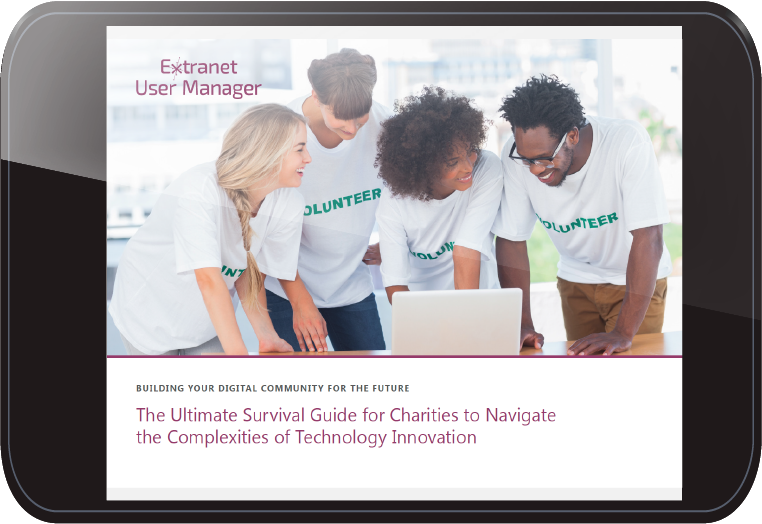
eBook: The Ultimate Microsoft 365 Survival Guide for Non-Profits
Practical strategies to simplify collaboration, strengthen security, and empower your mission with Microsoft 365, written for resource-constrained teams doing this work every day.
Microsoft 365 Solutions for How Non-Profits Engage, Govern, and Grow
Envision IT brings consulting, custom development, and a suite of Microsoft 365 products together to help non-profits engage their community, govern with confidence, and grow their mission.
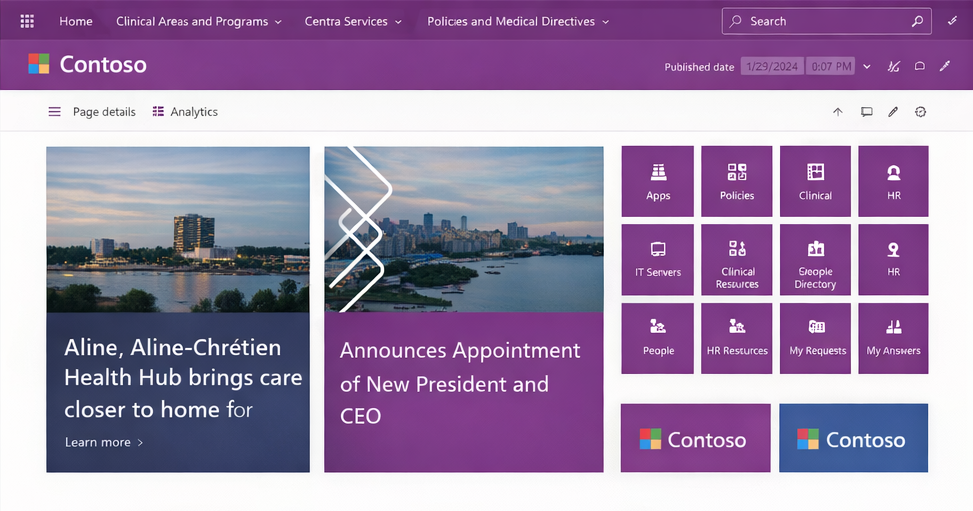
Modern Intranet and Internal Communications
Aging SharePoint sites and email newsletters make it hard for staff to find what they need or share what they're doing. A modern intranet on SharePoint Online gives every program, department, and location one home. With distributed authoring, every team can tell its story and have mobile access for staff in the field.
Volunteer, Donor, and Partner Portal
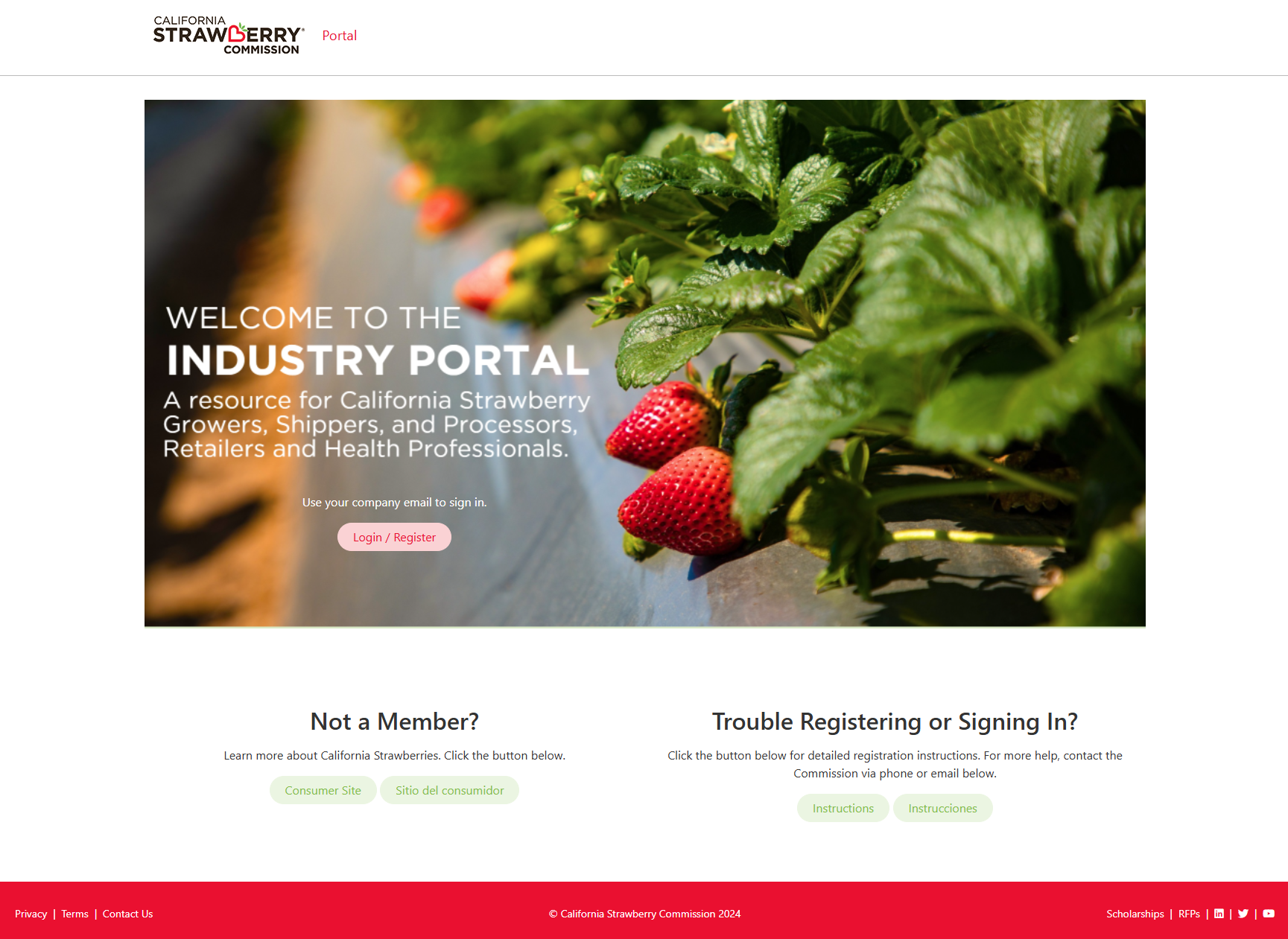
Volunteers, donors, grant applicants, and sponsors all need different levels of access to your Microsoft 365 environment, and each requires a manual account setup. A custom portal on Microsoft 365 with self-service registration, delegated admin, and role-based access, so program leads can onboard external users themselves.
Board and Committee Management
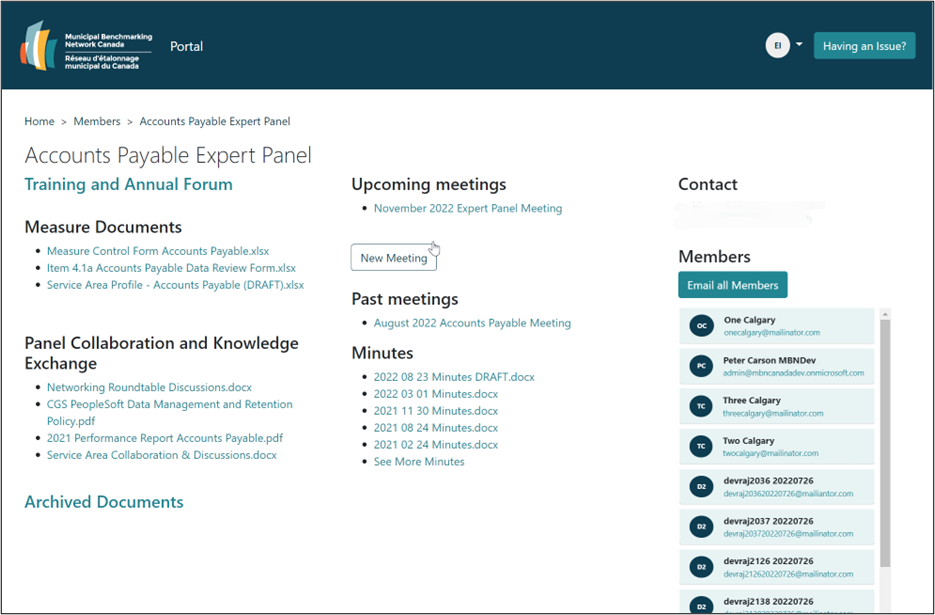
Board packets, meeting minutes, and confidential financials often move through email or personal drives, creating real security and compliance risks. Build branded board and committee spaces in Microsoft 365, with role-based access, secure document sharing, and a single home for every meeting cycle.
Events, Training, and Certifications
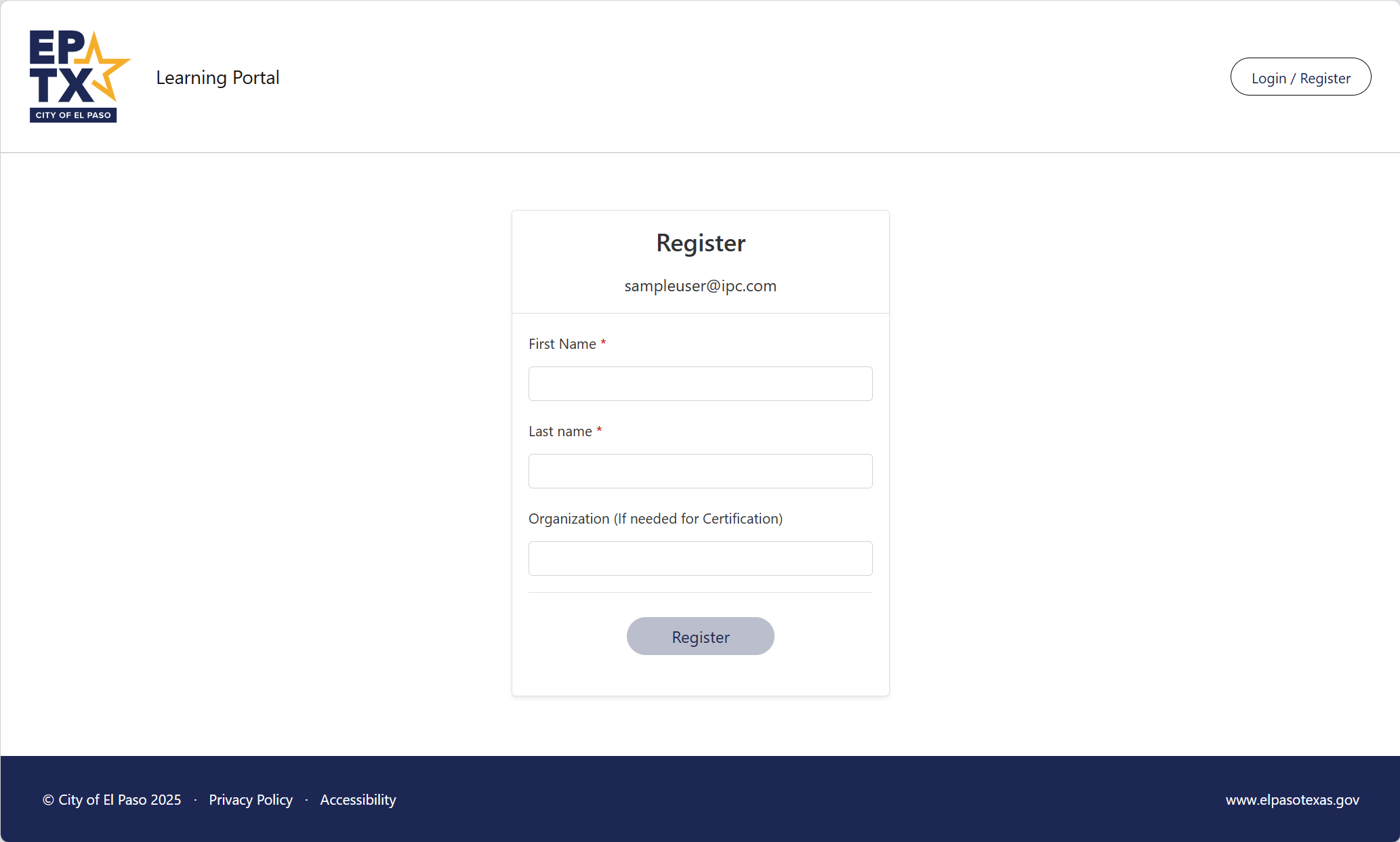
Coordinate events, deliver onboarding, and track compliance training for staff, volunteers, and contractors, with easy sign-in and dependable access every time. Governed publishing keeps your programs running smoothly, and training history stays with each person.
Program Data and Impact Reporting
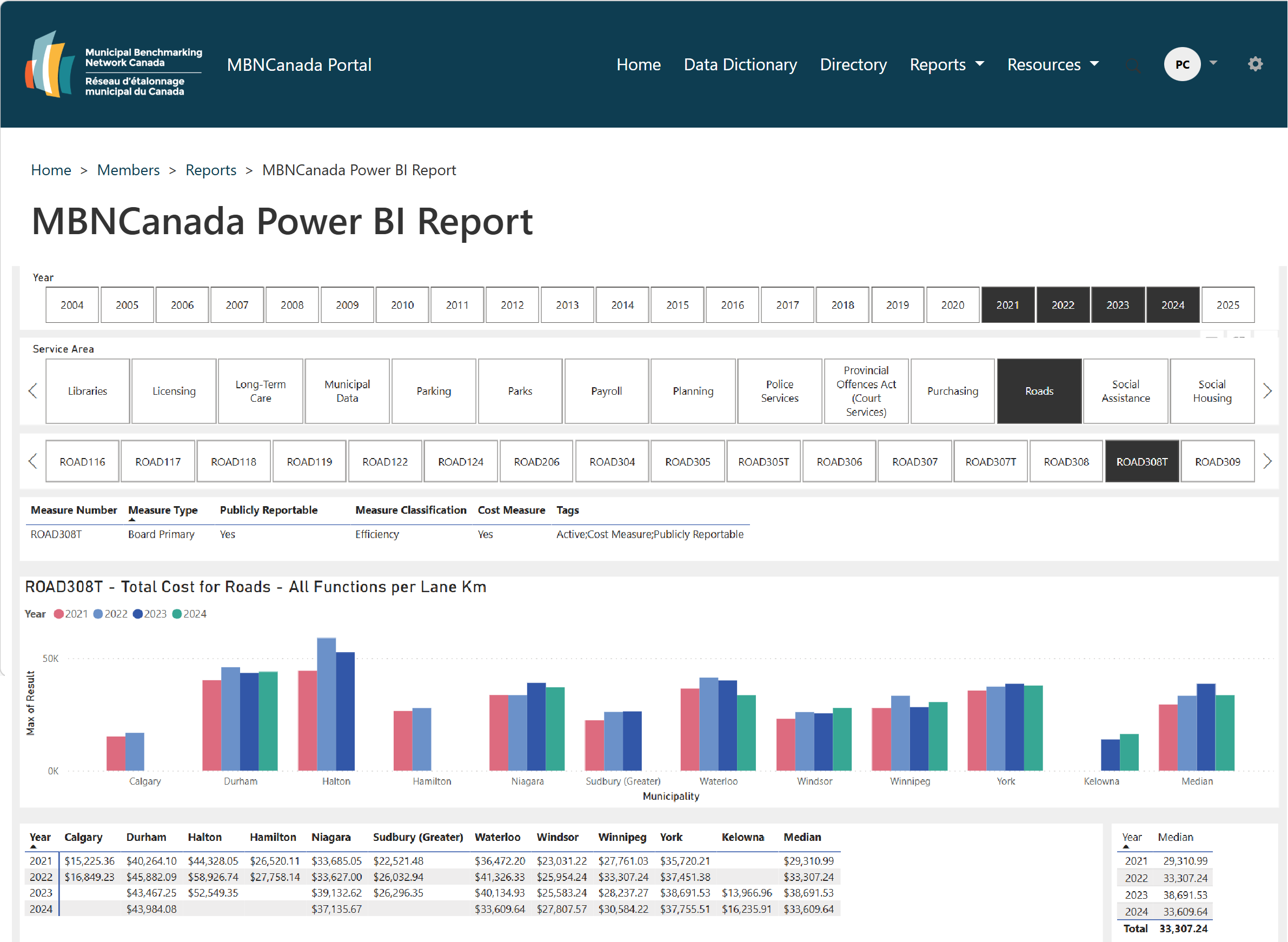
Program, donor, and impact data live in silos, so telling funders and boards the full story takes hours of manual work. Deliver interactive Power BI dashboards in Microsoft 365 and share them securely with each board, funder, or program lead, ensuring each group sees only their own view and that no Power BI licence is required for external viewers.
Public Web and Community Outreach
Modernize your public site on Microsoft 365 with accessible, multilingual components, faster publishing, and stronger governance. A modern website keeps your mission visible to communities, donors, and funders and makes it easy for anyone to engage with it.
Webinar: Simplifying Community Management in Microsoft 365 for Nonprofit Organizations
Learn how mission-driven organizations are strengthening community engagement and governance with Microsoft 365. Discover how Extranet User Manager helps nonprofits streamline volunteer and donor onboarding, foster community engagement, and build secure, collaborative spaces for boards, programs, and partners.
Watch now.png)
See How a National Association Put Committee Management on Microsoft 365
Discover how MBNCanada modernized its committee collaboration and administration for over 1,000 municipal users across 36 service areas, powered by Microsoft 365 and delivered by Envision IT and Extranet User Manager.
Read the full case studyImproved Member Engagement
Municipal leads now manage access for their staff and panels, reducing administrative tasks, enhancing accuracy and communication, and increasing engagement.
Reduced Administrative Burden
With SharePoint, Teams, and Power BI working together, MBN Canada can efficiently handle data collection, committee communications, and reporting across all committees and groups.
Automated Member Self-Service
Members and guests can freely join panels, contribute to reports, and access events, removing the need for manual account setup.
Transforming How Non-Profits Run on Microsoft 365
M365 Strategy
Align Microsoft 365 with municipal governance by leveraging discovery, tenant insights, and structured information architecture.
User Management
Enable secure, inclusive access for citizens, vendors, and committees using Microsoft External Identities, MFFA and simple SSO.
Digital Forms & Workflows
Replace paper processes with e‑forms and automated approvals, integrated with core municipal systems.
Data & Reporting
Turn data into insights with Power BI dashboards and share securely through the EUM Data Portal.
Migrations & Modernization
Transition smoothly from legacy systems to Microsoft 365, preserving metadata and reconstructing critical workflows.
Security & Compliance
Secure collaboration with practical security controls, compliance policies, and Microsoft Purview.
What Could Microsoft 365 Look Like for Your Mission?
Every engagement starts with a conversation.
Book a discovery call and let's talk about what's possible for your non-profit on Microsoft 365.
Book a discovery call