Token Expiry time in Forgot Password and Welcome Email do not reflect local time
|
Published
The token expiry in Forgot Password or the Welcome email might show time in UTC, though you might want it to show your local time. There is a way this could be achieved, if the EUM is installed as an Azure App Service.
- Go to https://portal.azure.com and log in with admin credentials so you can make changes to the EUM App Service
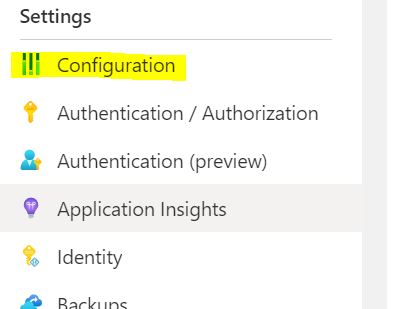
- Navigate to the EUM app service and go to Configurations in the left hand menu
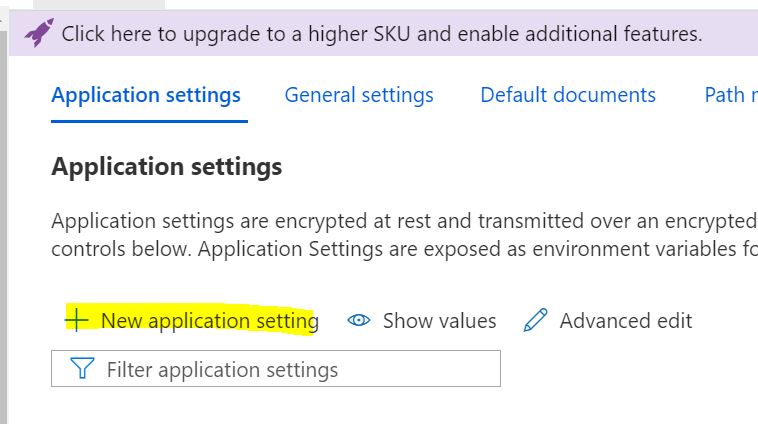
- Click "+ New application setting"
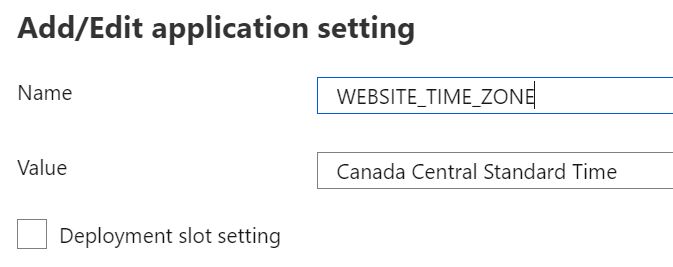
- In the form, put in "WEBSITE_TIME_ZONE" as Name, and the Name of Time Zone you require as Value. The Name of Time Zone can be obtained from the list published by Microsoft.
 A list of the time zones can be obtained from https://docs.microsoft.com/en-us/previous-versions/windows/embedded/ms912391(v=winembedded.11)?redirectedfrom=MSDN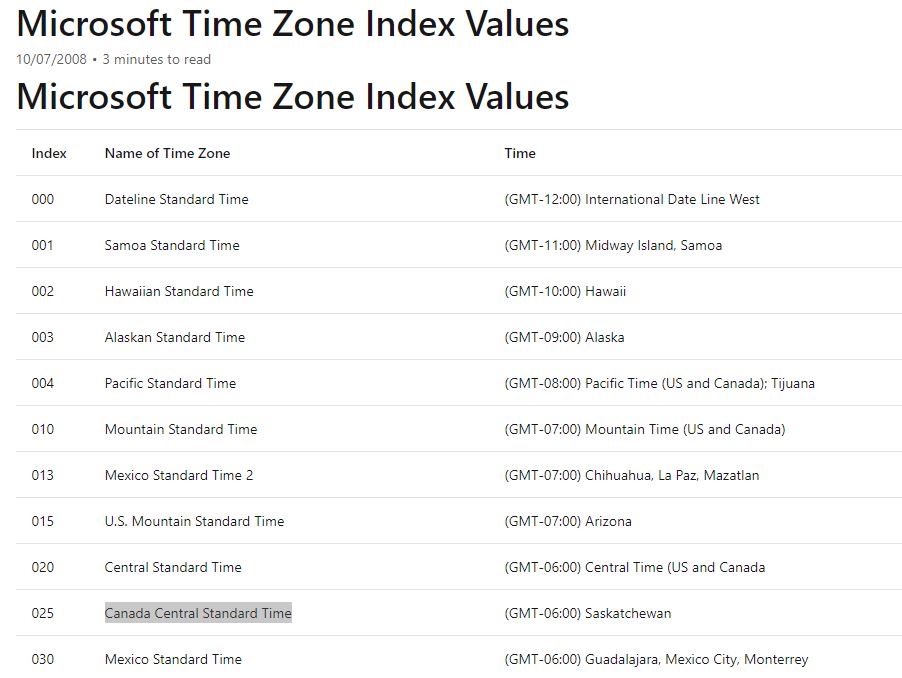
- Save and restart the app service.