Take Over an Existing Group in EUM V7
|
Published
EUM cannot see all groups present in your Entra ID for security reasons. However, if any of these groups already present in Entra ID, and not created by EUM is to be managed, that group needs-to be taken over by EUM. This article helps if your EUM version is 7.x and above.
The other situation where you might need to takeover an existing group is when you create a SharePoint Teams site, and have a M365 Group created with it. If you want to manage that group using EUM, then this group has to be taken over.
- Login to EUM Admin as a EUM Administrator or EUM Manager or Global Administrator
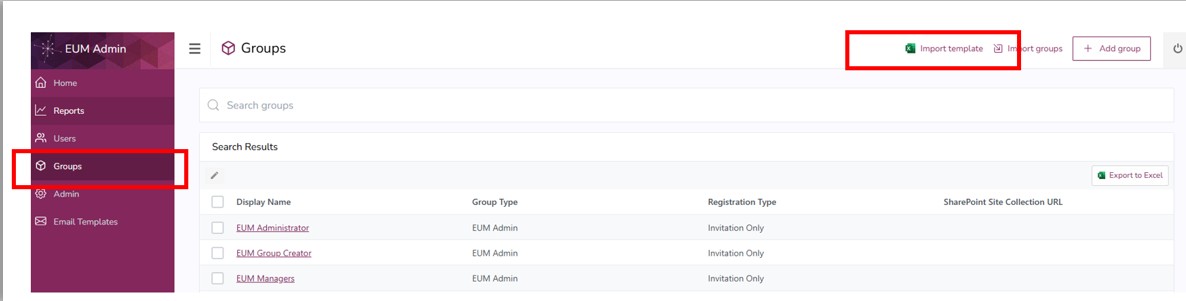
- In the left hand menu click Groups and then Import Template to the top right. This will download a Group Import Template excel file.
- Fill in the excel with the following:
- Status: Select Ready for Takeover
- Group ID: Put in the Object ID of the Group in Entra ID
- Display Name: Put in the name of the group in Entra ID
- Azure AD Group Name: Put in the name of the group in Entra ID
- Registration Type: Select Invitation Only
- Member Page Generation:None
- Group Welcome Email Enabled: Select No Welcome Email
- Save the Excel

- To upload the excel to EUM Config site go back to EUM Admin and click Groups and then Import Groups

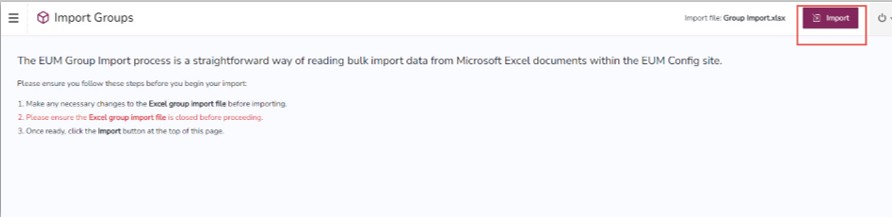
- This will take you to the Group Imports list in EUM Config. Upload the file there and click Import

This will take you to the EUM Admin. Click Import to the top right