SharePoint error External sharing is disabled
|
Published
Even after connecting EUM with SharePoint and properly setting up EUM Group against a SharePoint site to have the group members access the SharePoint site, we might see a message "External sharing is disabled" when the user logs into the SharePoint site using EUM B2B login.

This is because of SharePoint configuration issues, and it can be fixed by setting the SharePoint External Sharing for New and Existing clients.
- Navigate to SharePoint Admin and sign in as an admin user
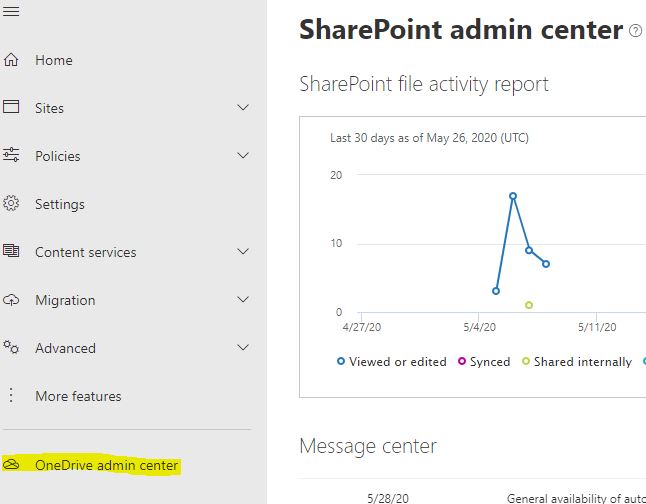
- In the left navbar click OneDrive admin center
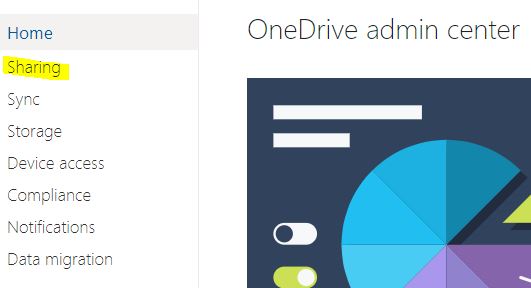
- Click Sharing
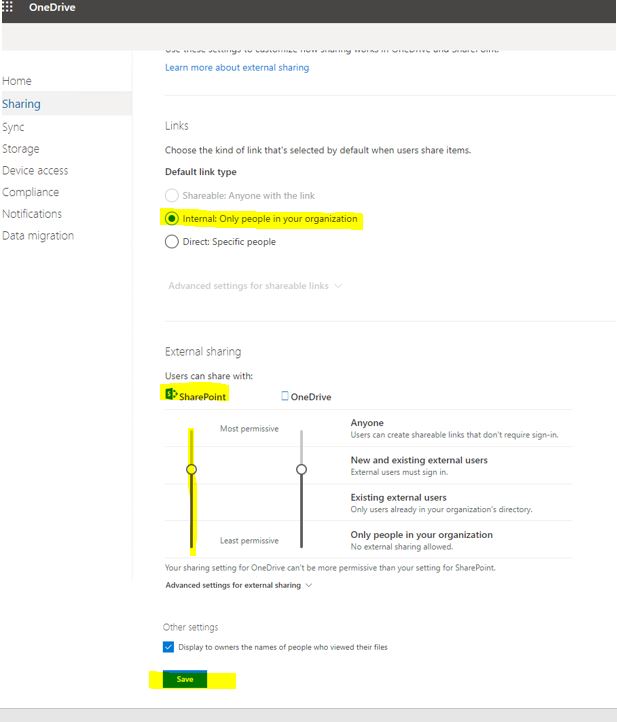
- Select Default link type as Internal
- Under External Sharing, slide the slider for SharePoint to New and existing users
- Save