Setup User Imports
|
Published
User Import is a feature available in EUM 6.0.8185.1 and newer. To have the User Imports working, there needs to be some setup. Please follow the steps below to set up User Imports.
- Login to EUM Admin as a Global Admin and click on EUM Configuration Site under Quick Links in the left-hand menu.
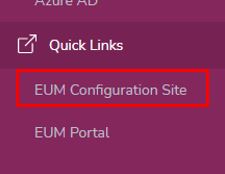
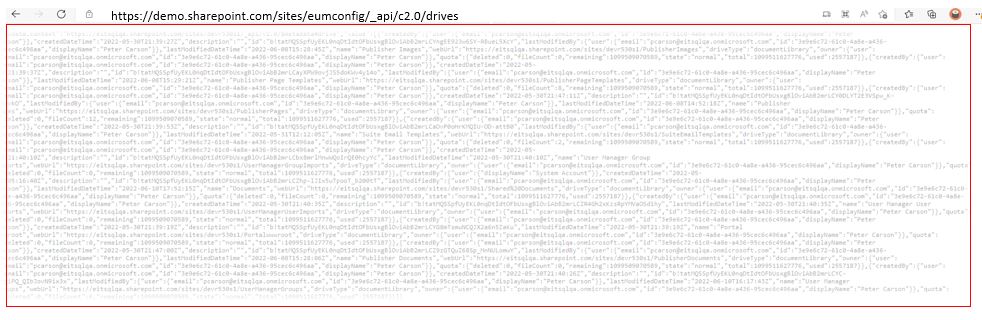
- When the EUM Config Site loads, append the URL in the browser with: /_api/v2.0/drives. So the URL would be:
https://<Your EUM Config site in SharePoint>/_api/v2.0/drives
- Copy the entire JSON displayed on the page that loads.
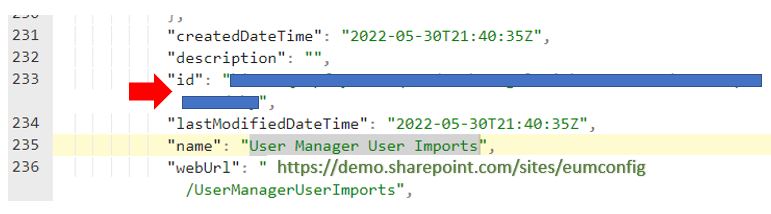
- Use any JSON formatter to find the ID for User Manager User Imports. For example, paste the contents in https://jsonformatter.org and search for User Manager User Imports. Note the value of the ID found there.
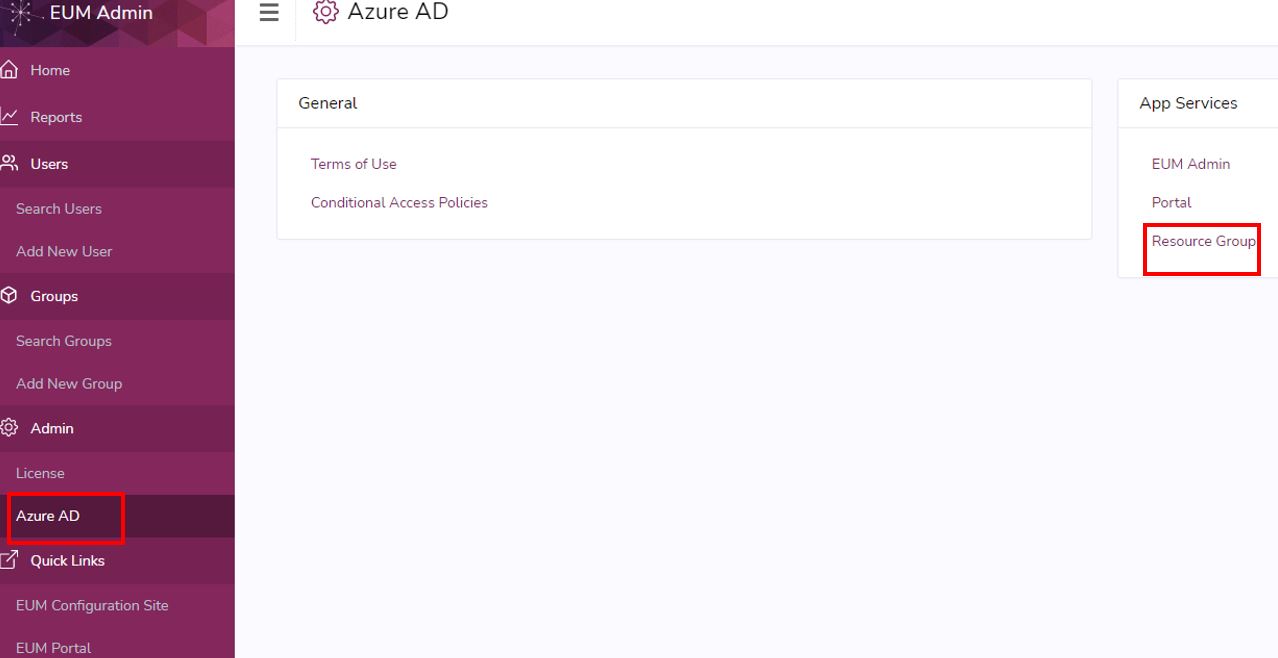
- Now navigate to the Resource Group in Azure where EUM is installed. An easy way to get there is by going to EUM Admin, clicking the Azure AD under Admin in the left-hand menu, and then clicking Resource Group.
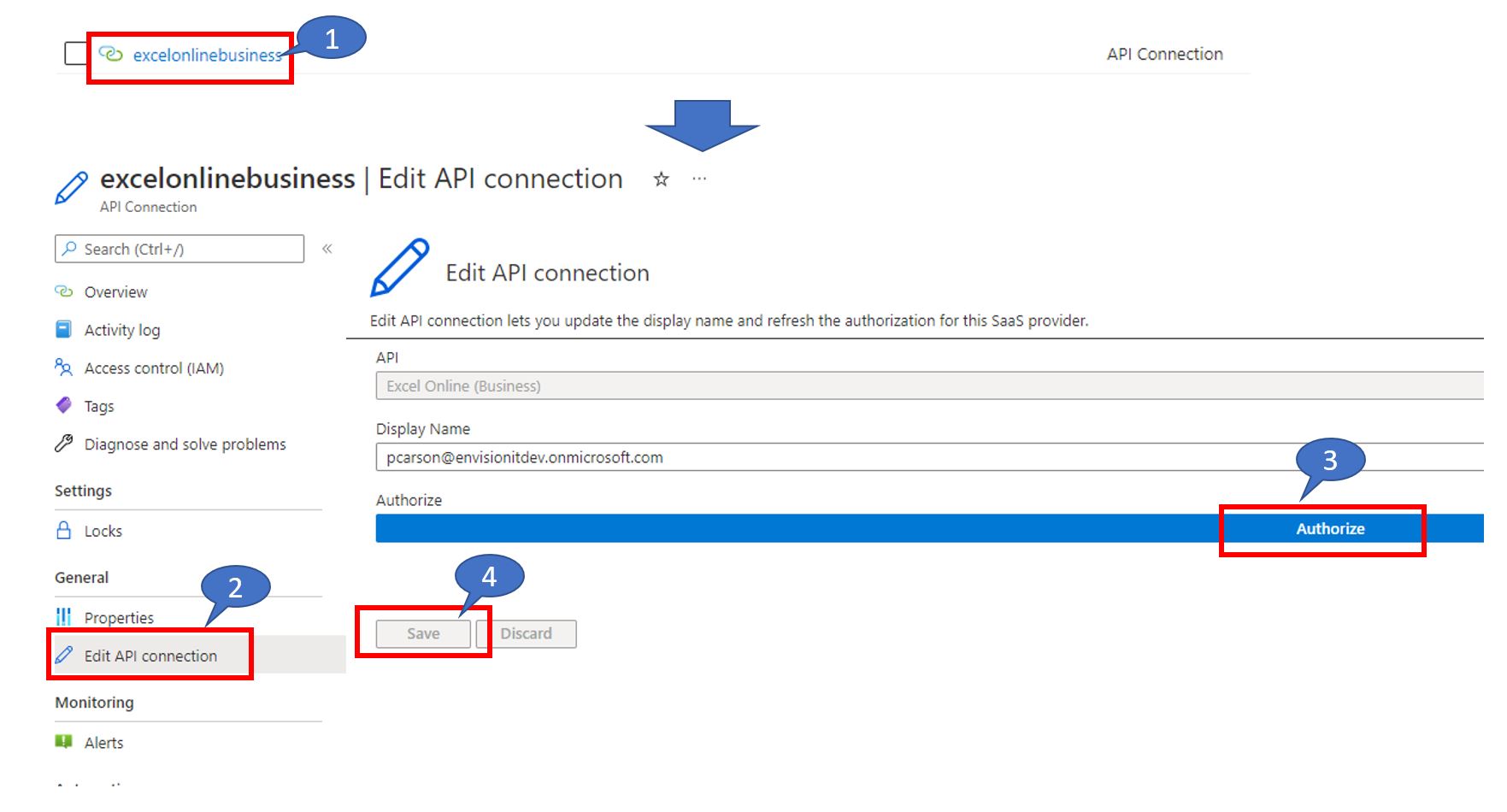
- In the Resource Group, look for excelonlinebusiness API Connection and authorize it.
- Click the API Connection.
- Click Edit API Connection.
- Click Authorize and sign in with a user that has a Microsoft Office Online license.
- Click Save.
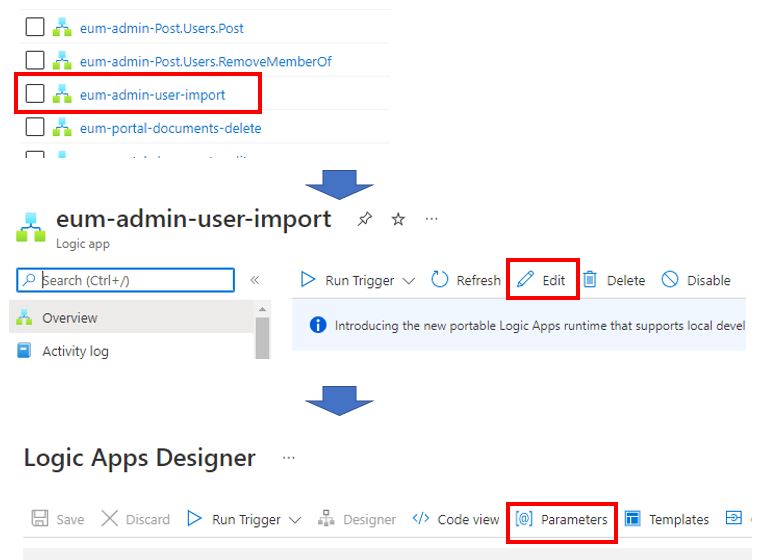
- In the Resource Group look for the eum-admin-user-import Logic App. Click it.
- Click Edit in the top toolbar.
- Click Parameters in the top toolbar.
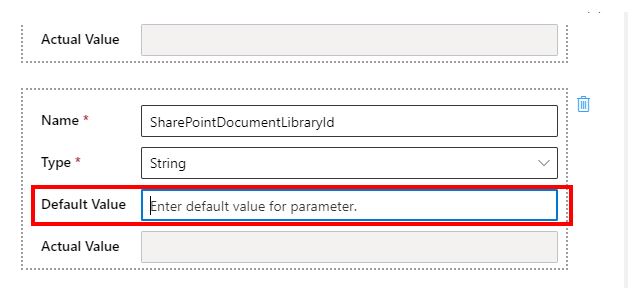
- In the Parameter input form, look for SharePointDocumentLibraryId and put in the Library ID copied in step 4. Save the changes.
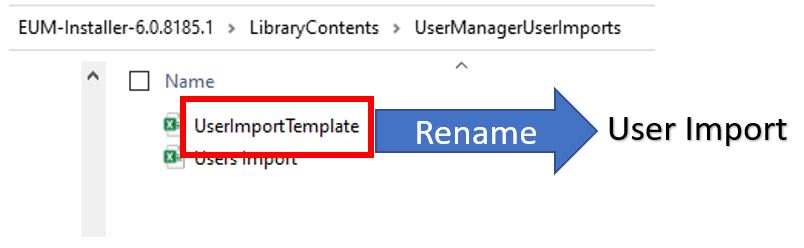
- In the EUM Deployment package, look for the folder Library Contents and then for UserManagerImports.
- Rename the Excel file UserImportTemplate to User Import.
- Now go to the EUM Config Site in SharePoint. The easiest way to get there is to sign on to EUM Admin as a Global Admin and click the EUM Configuration Site under Quick Links in the left-hand menu.
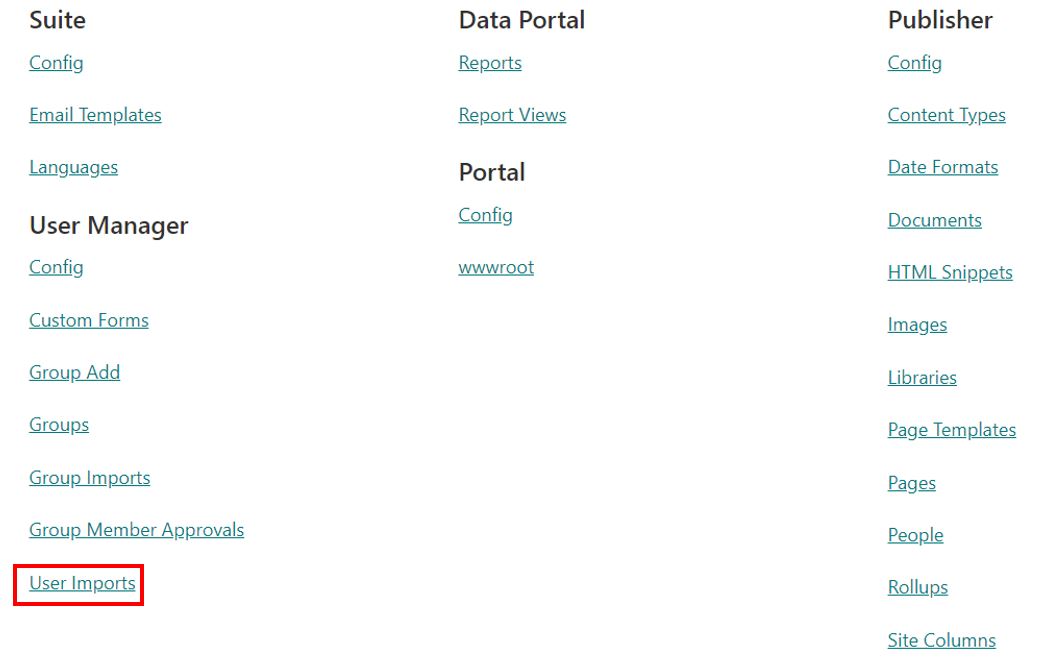
- In the EUM Config Site, click User Imports.
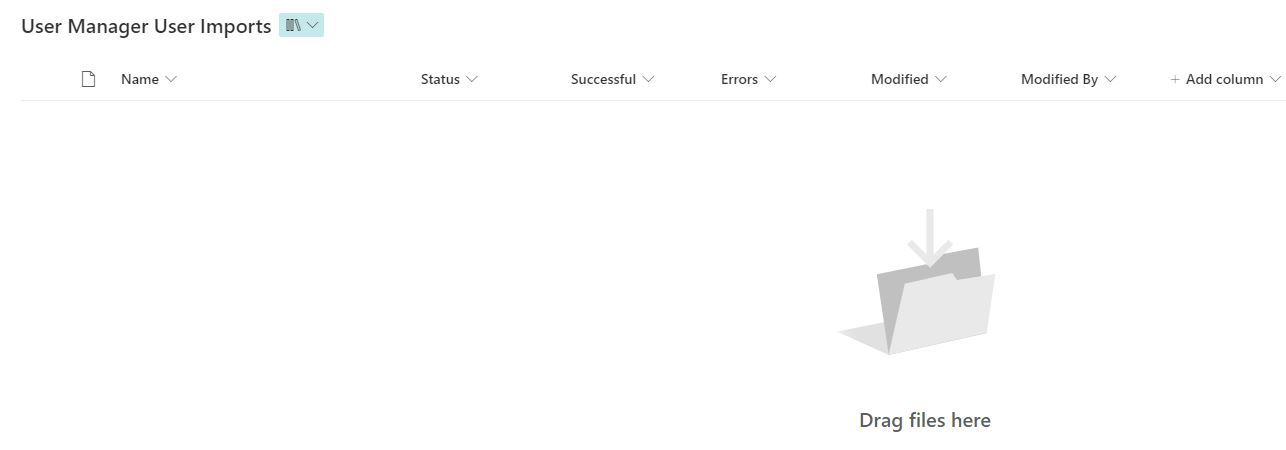
- Drag and drop the User Import.xlsx file from the package to the User Manager User Imports Document Library.