Remove Membership Manager from a Group
|
Published
To remove a Membership Manager from a group follow the below steps:
- Login to EUM Admin either as a Global Admin, EUM Manager, Group Creator, or Group Owner.
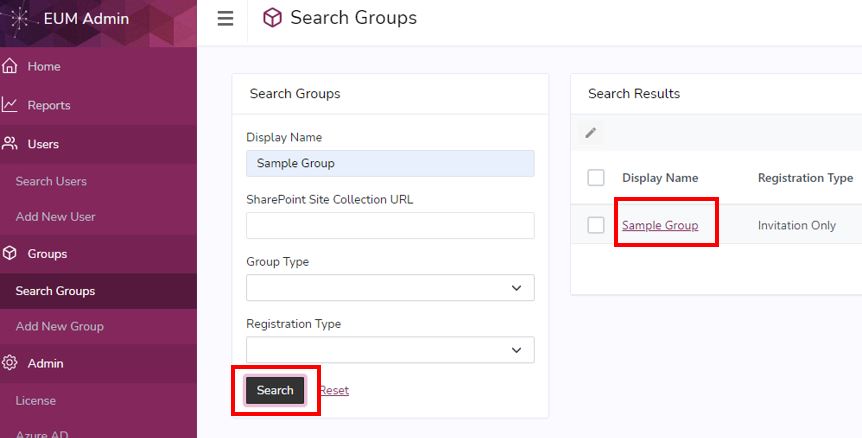
- Search for the group you want to remove the Membership Manager from
- Click to open the Group
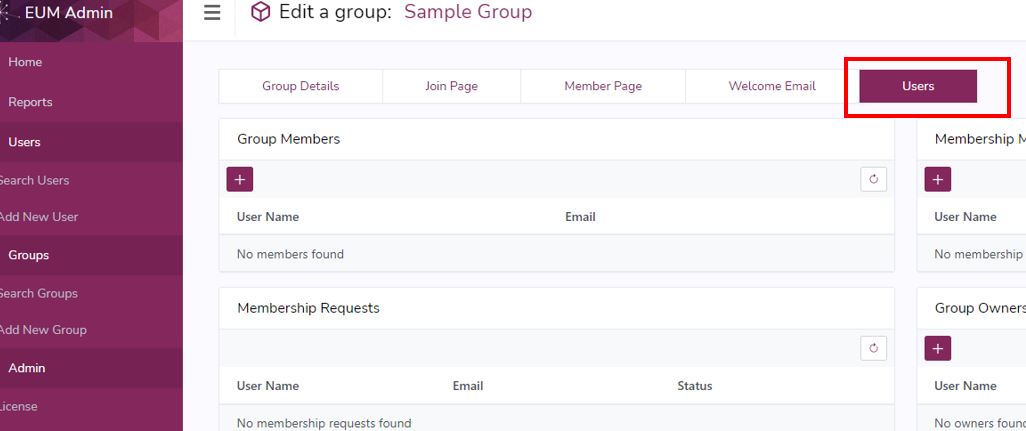
- In the Group Details page click the "Users" tab to go to that view
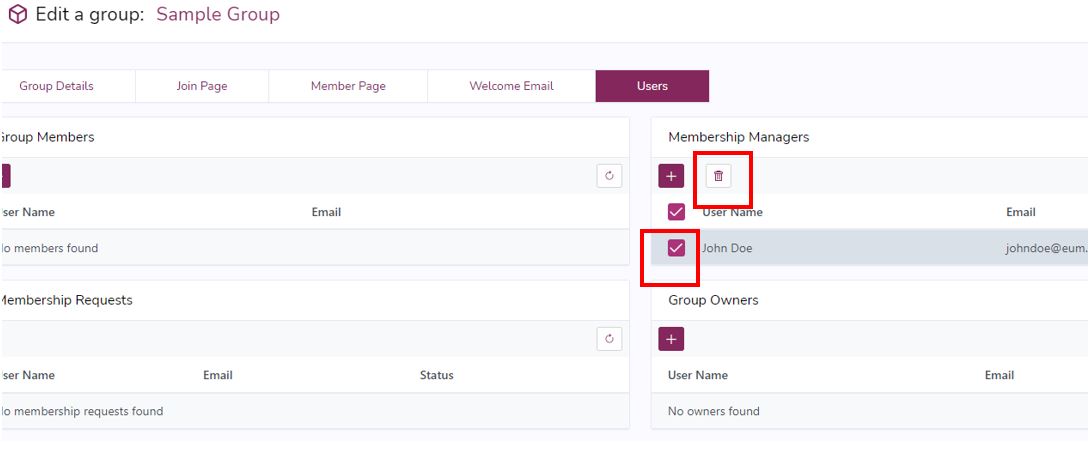
- In the Membership Manager box to the right of the page, select the user you want to remove, and click the bin
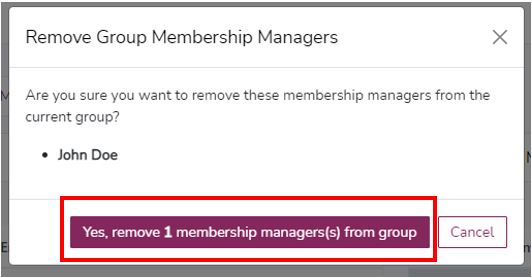
- Click "Yes" in the confirmation prompt
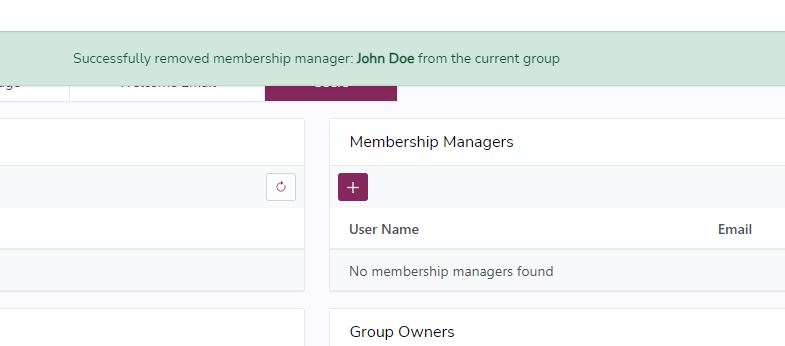
- After the request is processed, a Success Message will be displayed, and the user will be removed from the Membership Manager list