Provide a user Owner Access to EUM Config SharePoint site
|
Published
To perform changes like branding and customizations to EUM a user might need Owner access to the SharePoint site containing the EUM Configurations. Provide a user Owner Access to EUM Config SharePoint site by the following steps
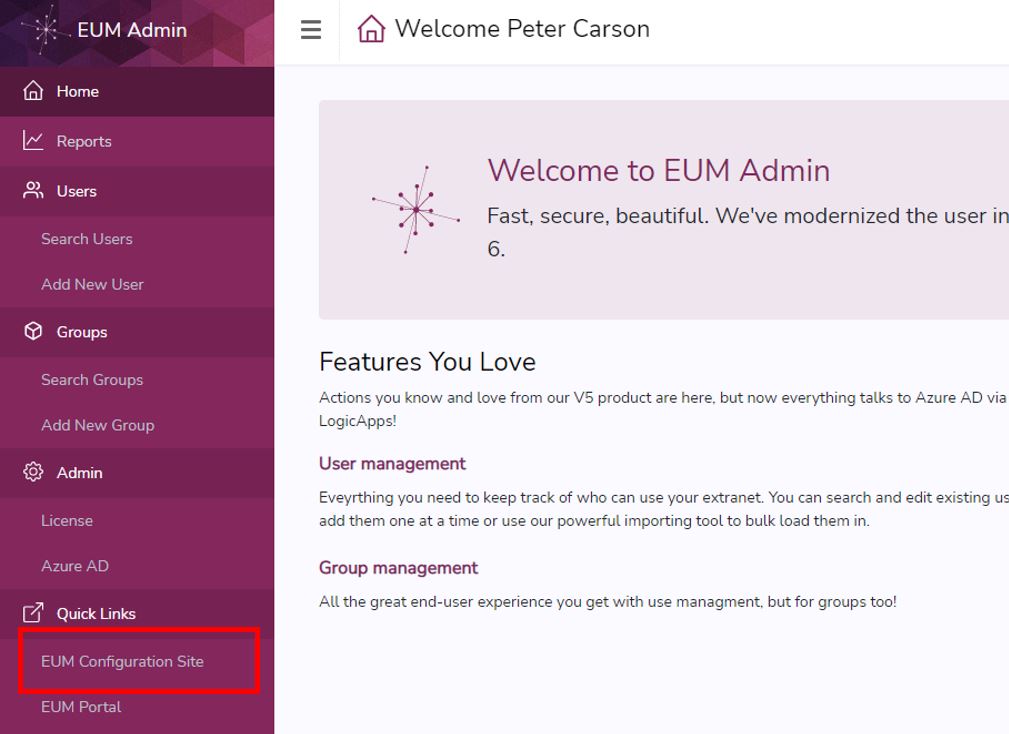
- Login to EUM Admin and click the "EUM Configuration Site" link in the left-hand menu
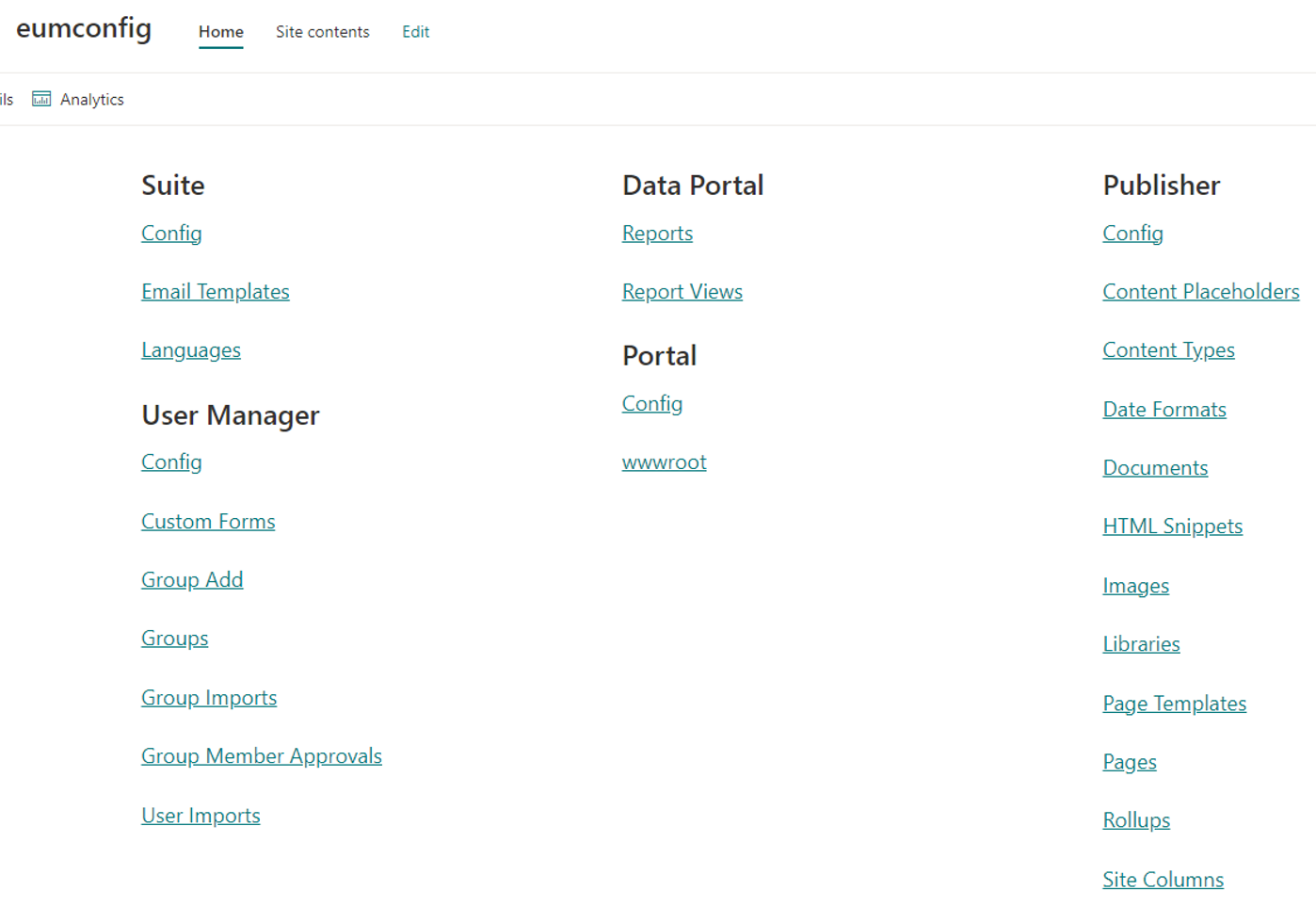
- You will be taken to the EUM Config site in SharePoint and would be able to see its contents provided you have adequate access
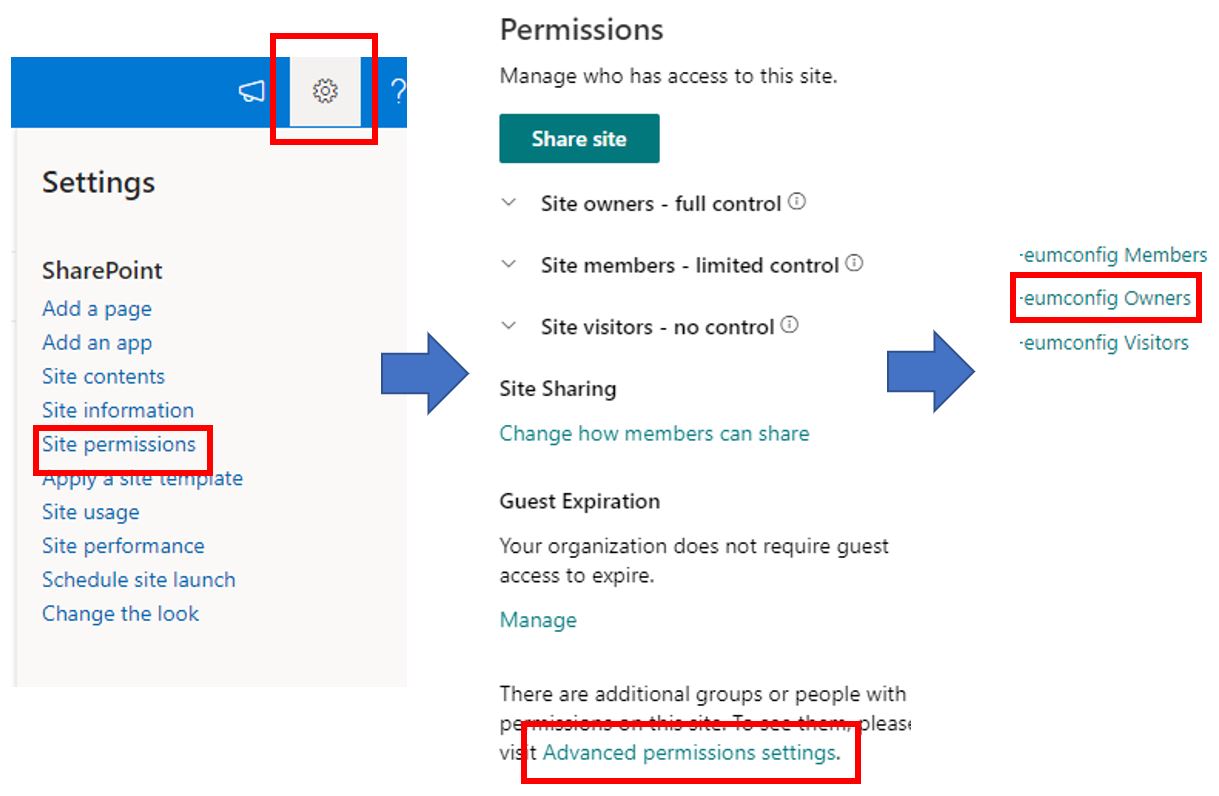
- Click the cog to the top right and go to Site Permissions
- Click Advances permissions settings
- Click the Owners group
- Add the user as a member to the Owner's group