Manually takeover existing Azure AD groups to EUM V6
|
Published
One can manually takeover existing Security and M365 groups from Azure AD to EUM V6.
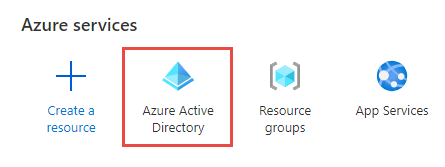
- Login to https://portal.azure.com and navigate to Azure AD
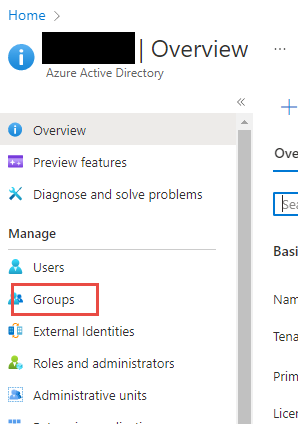
- In the left hand menu, click Groups
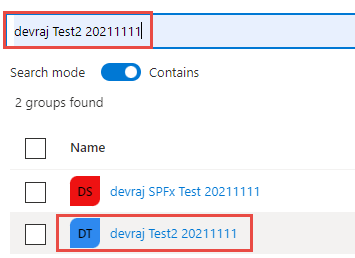
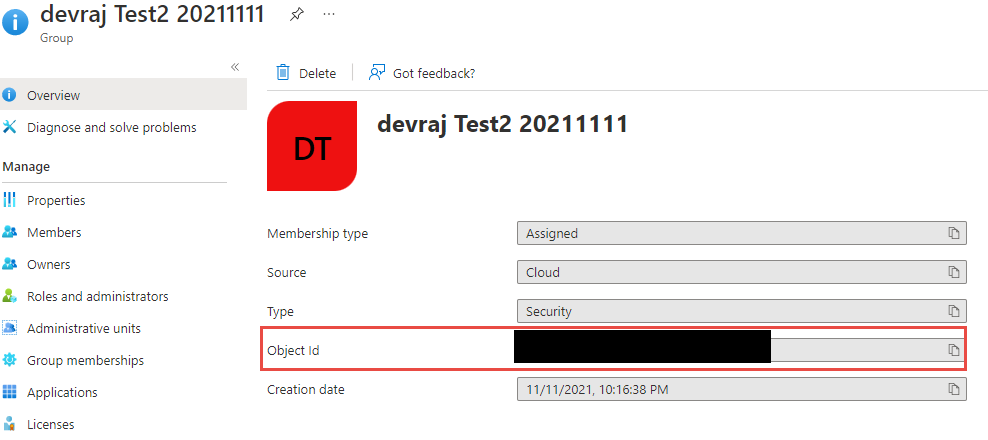
- Find the group you want to take over to EUM V6, and click it to load the group page
- Copy the Object ID and the Group Name and keep it in a Notepad
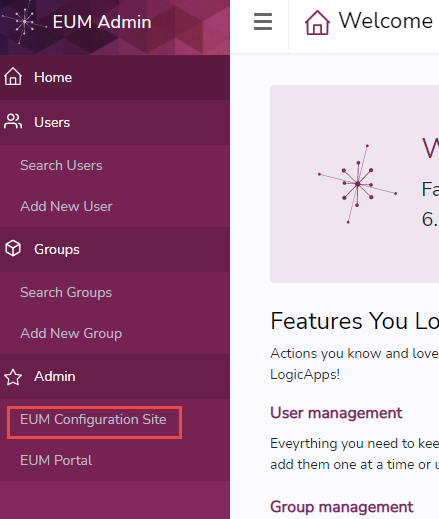
- Login to EUM Admin and navigate to the EUM Configuration SharePoint site using the link in the left menu
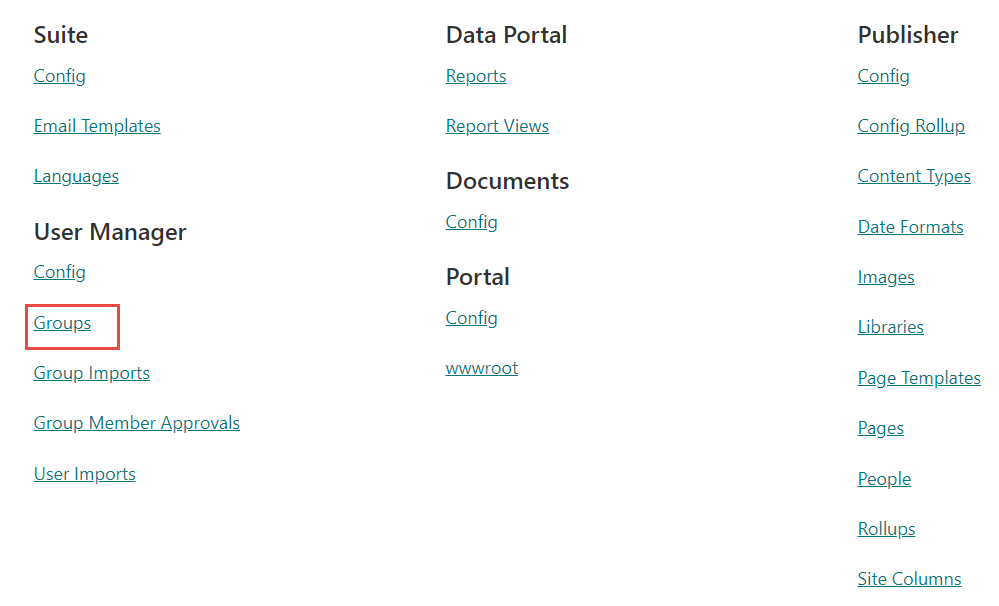
- In the EUM Config SharePoint site, click "Groups" under "User Manager"
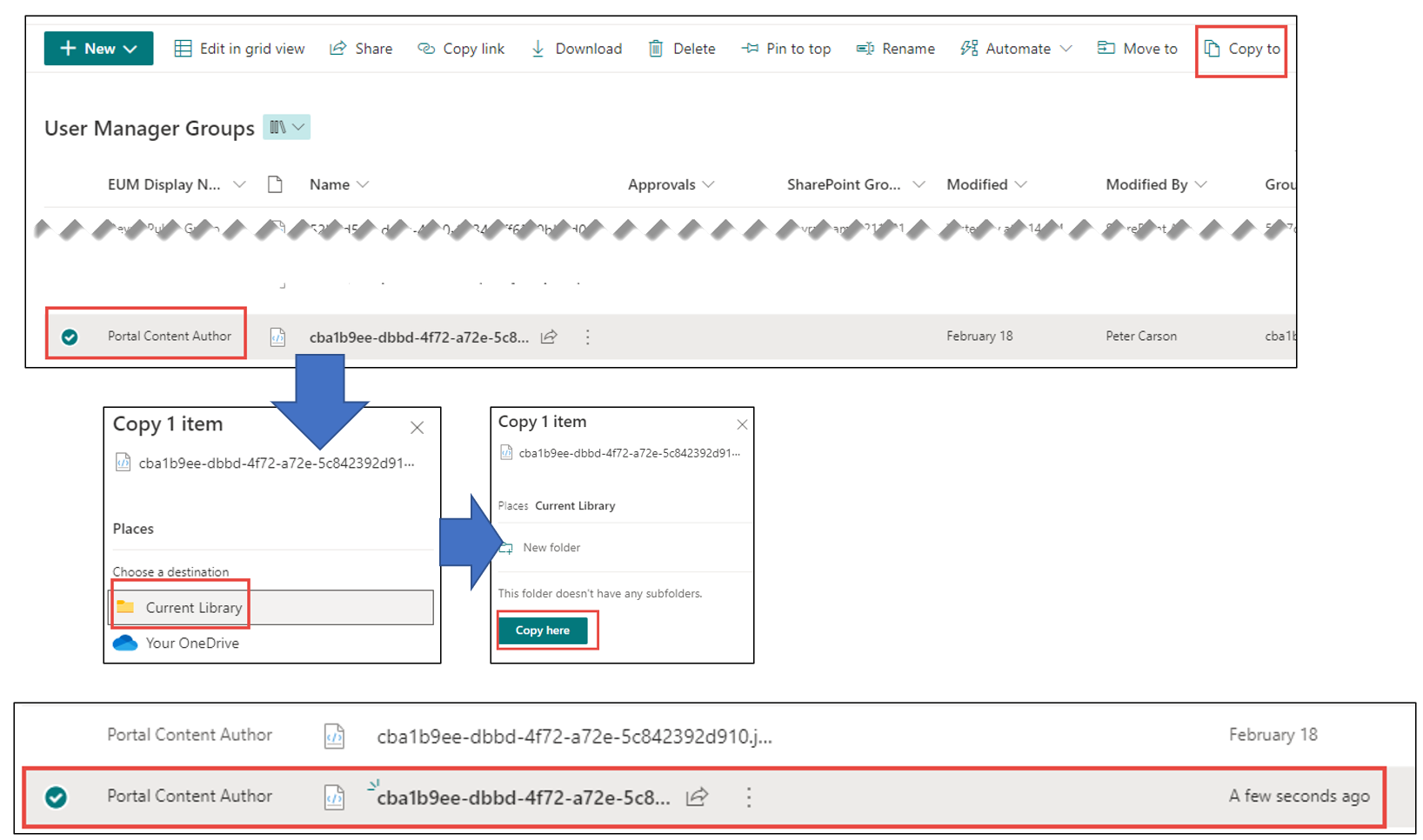
- Select any of the groups that might be listed there, and click "Copy To". Copy in the same place. Once copied, select the row created "A few seconds ago"
- Edit the metadata of the group
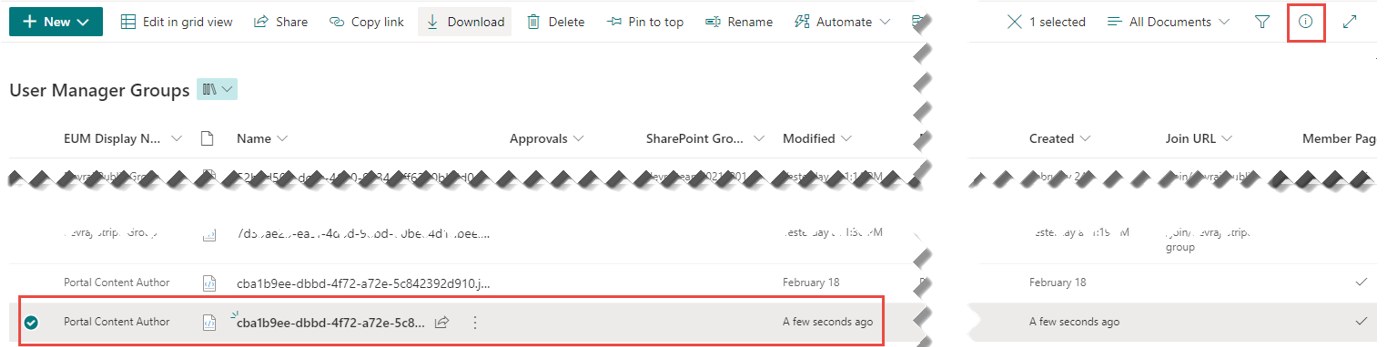
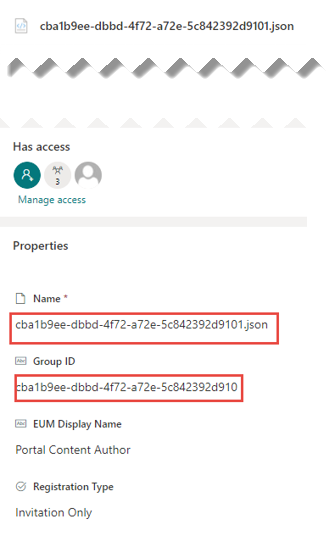
- In the Edit Metadata form, put in the Object ID copied in step 4 as the Name and Group ID
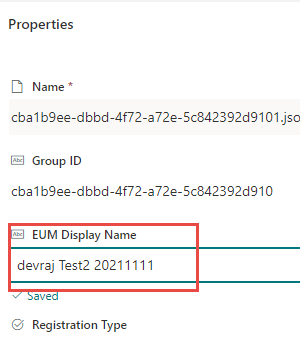
- In the EUM Display Name field, put in the name of the Group as copied from Azure AD in step 4. Click anywhere outside to Save
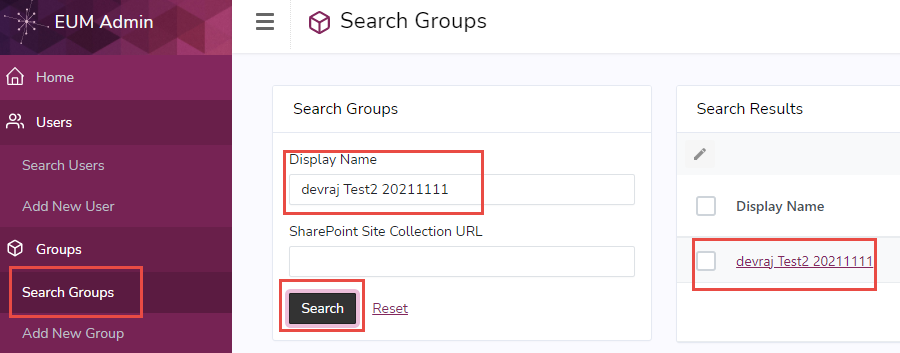
- In EUM Admin search for the group and Edit it to your needs