Manage Email Templates
|
Published
Existing Email Templates in EUM can be managed to
- Change the email content
- Enable/Disable the email
- Delete the email
To manage email templates, login to EUM Admin as a EUM Administrator, EUM Manager or Azure AD Global Admin.
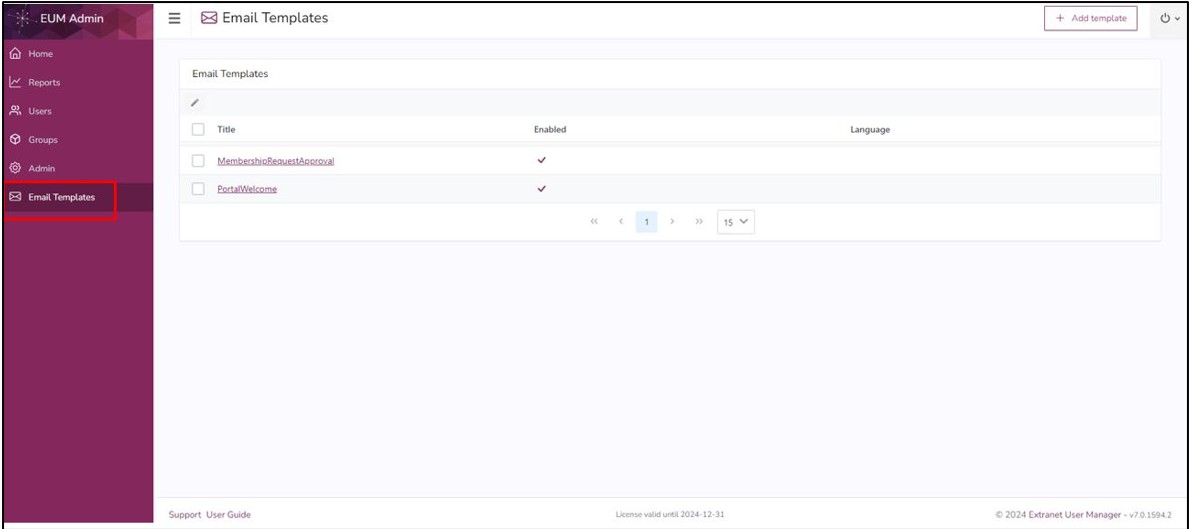
- Click “Email Templates” in the left-hand menu.
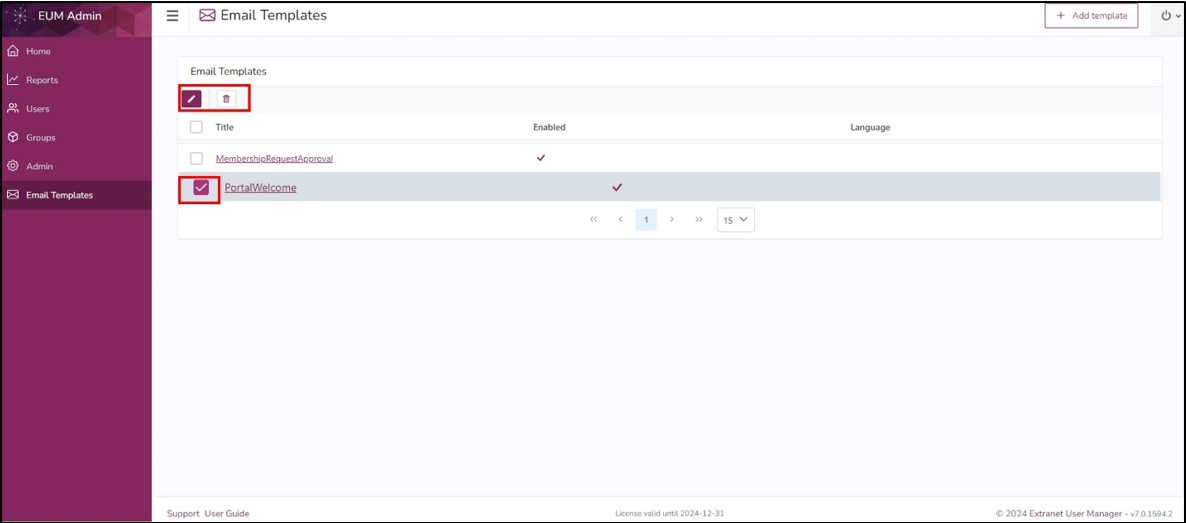
- Select the email you would like to change
- Click the Delete button if the email needs to be deleted
- Click the Edit button if the email needs to be edited
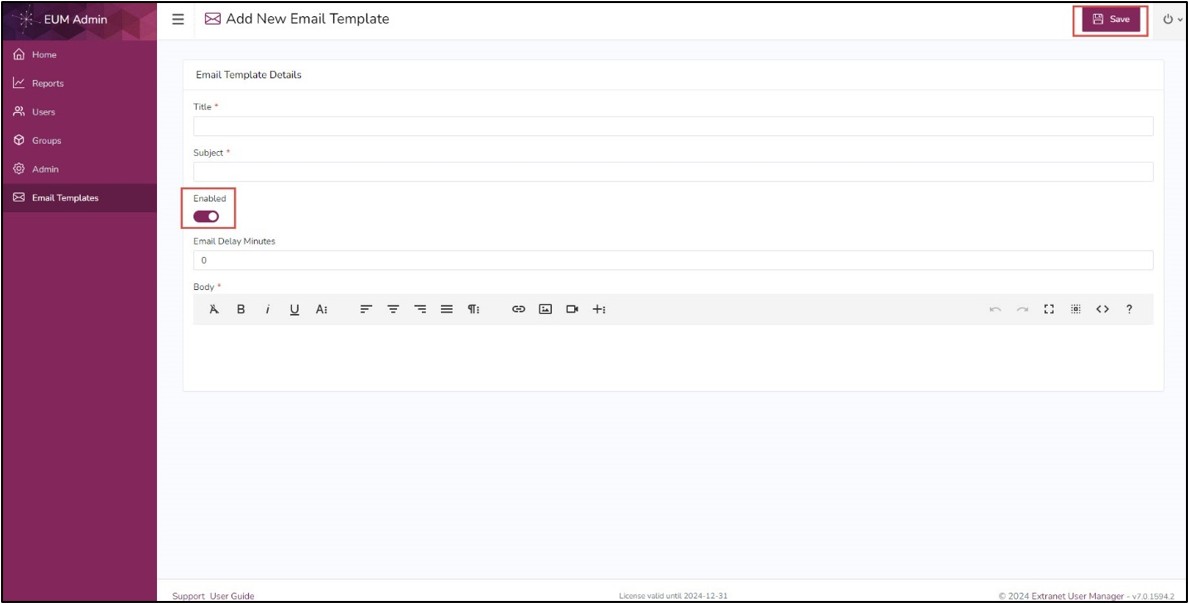
- Clicking Edit button opens the selected Email Template details page
- Here the Title, Subject, and Body can be changed
- The selected email can be disabled by turning Off the “Enabled” button
- Click Save upon performing the changes