LMS Add-On Piece Configuration
|
Published
The LMS Add-On piece can be configured after it is deployed to your Resource Group.
- Navigate to the EUM Resource Group in portal.azure.com
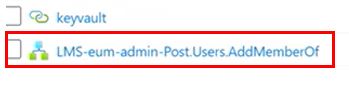
- Locate the "LMS-eum-admin-Post.Users.AddMemberOf" Logic App, and click to enter
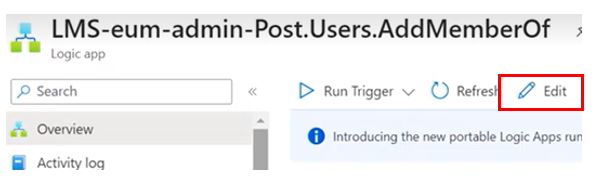
- Edit the Logic App
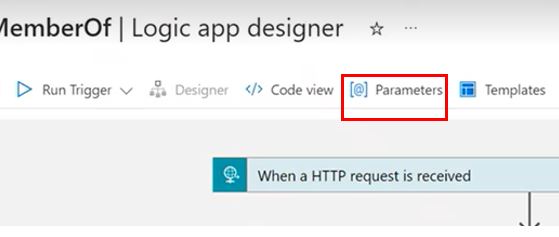
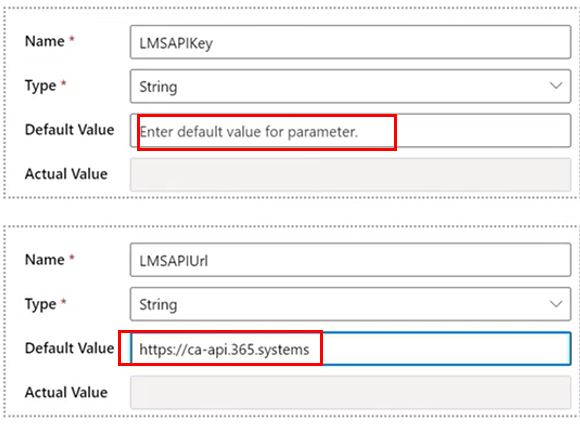
- Navigate to Parameters
- Enter value for LMS API Key and LMS API Url. To obtain the LMS API URL, visit https://api.365.systems/ and select the API Endpoint for your region
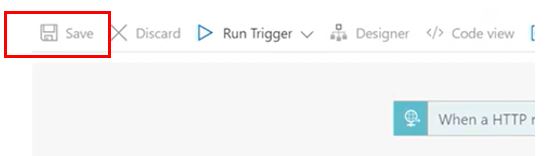
- Click Save
- Click to expand the "When a HTTP request is received" action
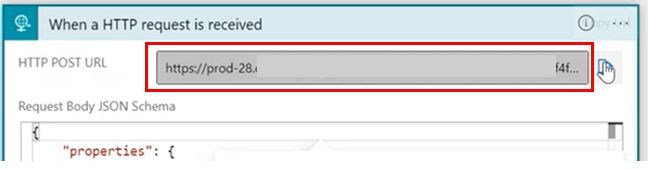
- Copy the URL
- Navigate to the EUM Config site
- Within that site go to User Manager/Config
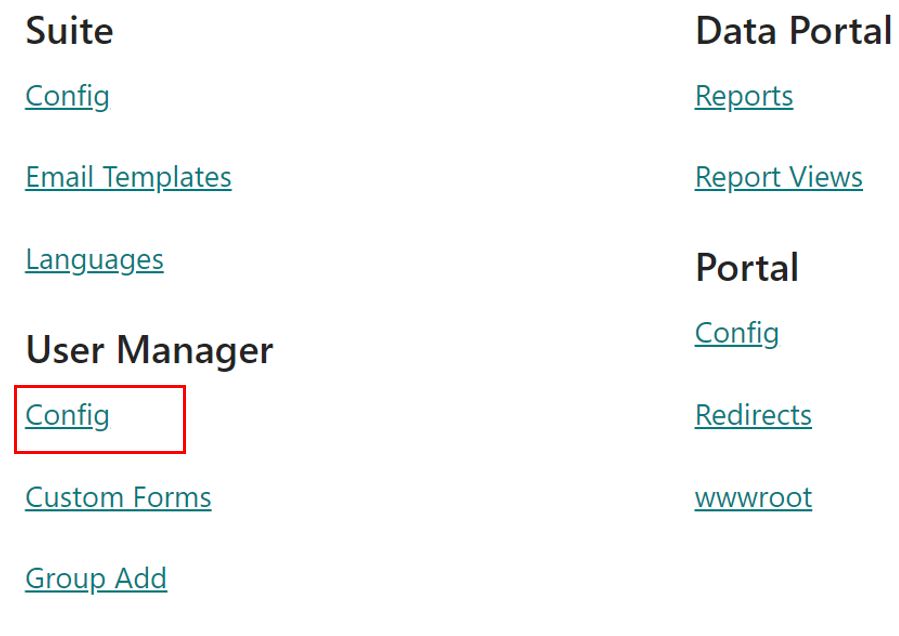
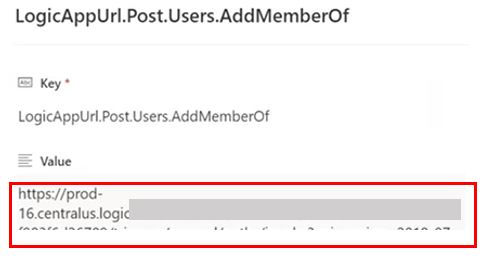
- Click to edit the "LogicAppUrl.Post.Users.AddMemberOf" item
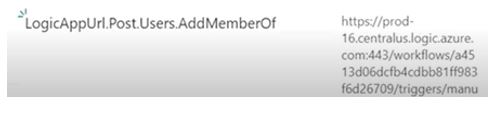
- Edit the Value to put in the new URL, and Save