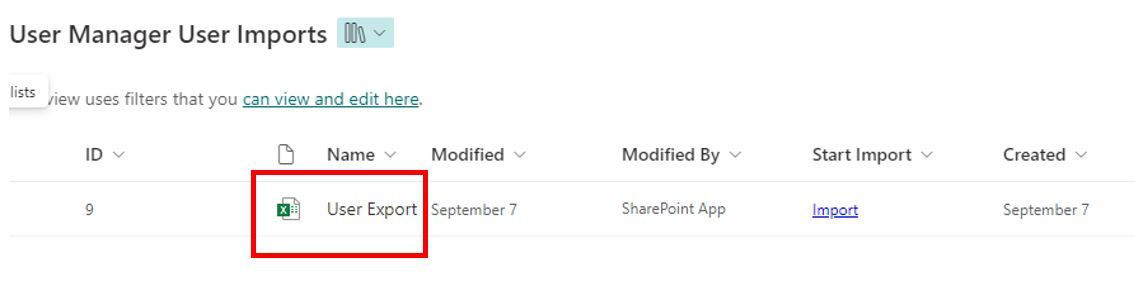
Import Users Button in Users Page Not Working in EUM v7
|
Published
The Import Users button in the Users page of EUM Admin might not work in EUM v7 if the EUM version is 7.0.1615.1.
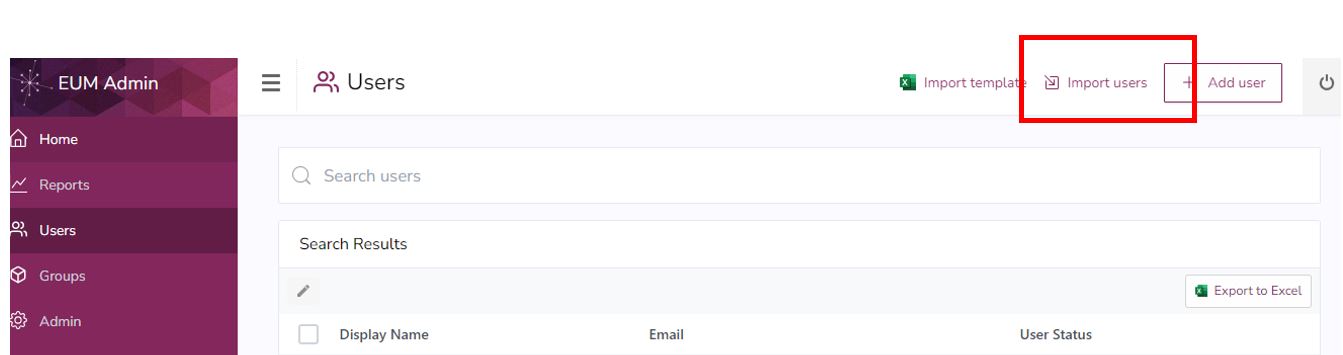
In this case, please follow the below instructions to reach the EUM Config Site User Manager User Imports Document Library:
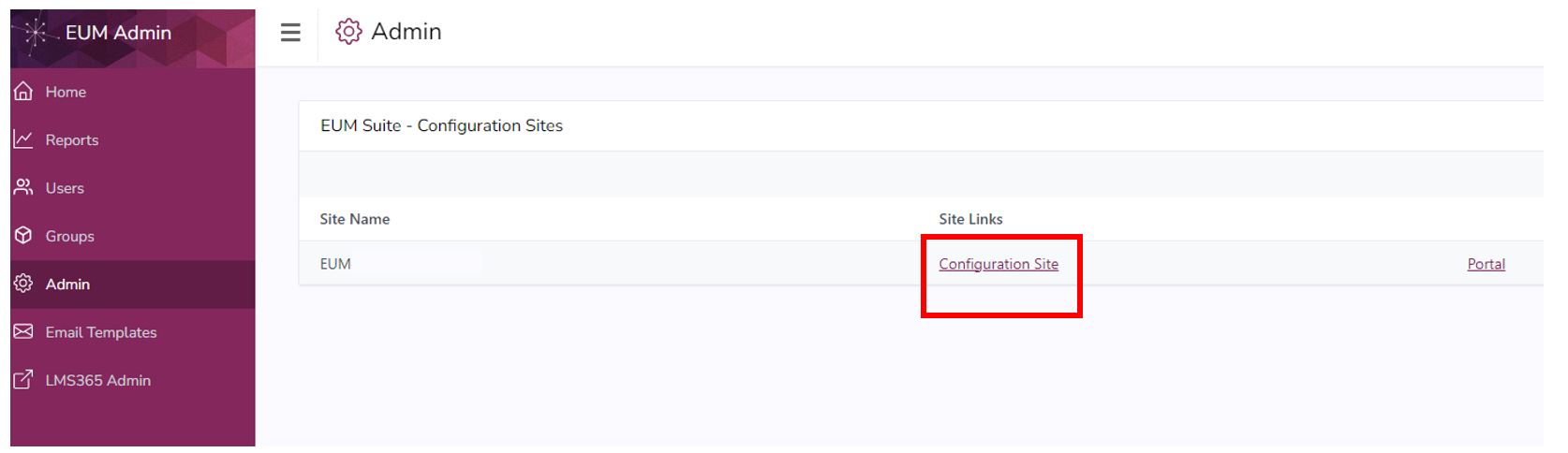
- In the left-hand menu, click Admin. If you do not see this, then please contact the EUM Administrator or EUM Manager.

- Click the Configuration Site link on the Admin page.
- This will take you to the EUM Config Site. Click the User and Group Import under User Manager.
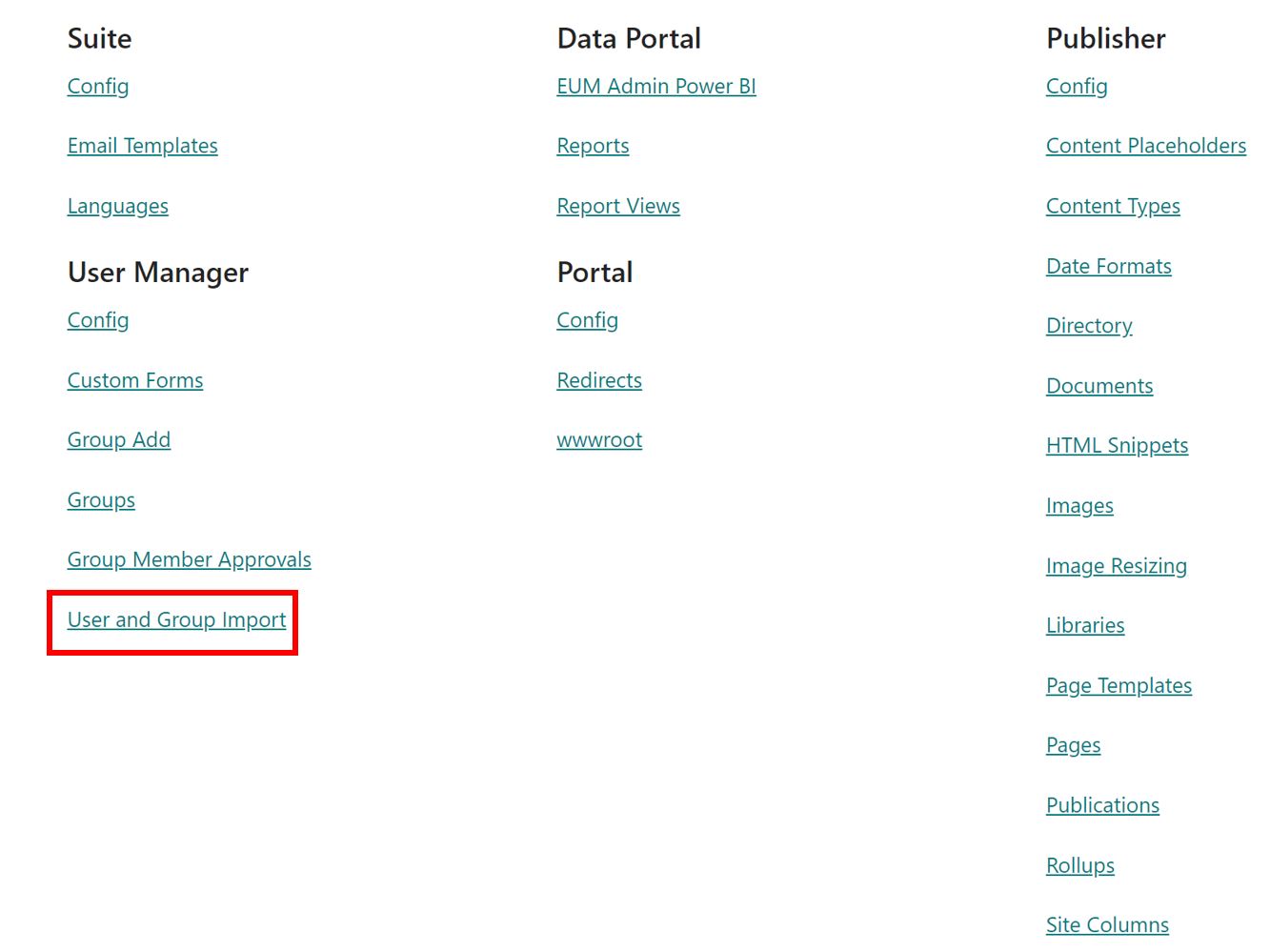
- Click the Import Files under User Import.
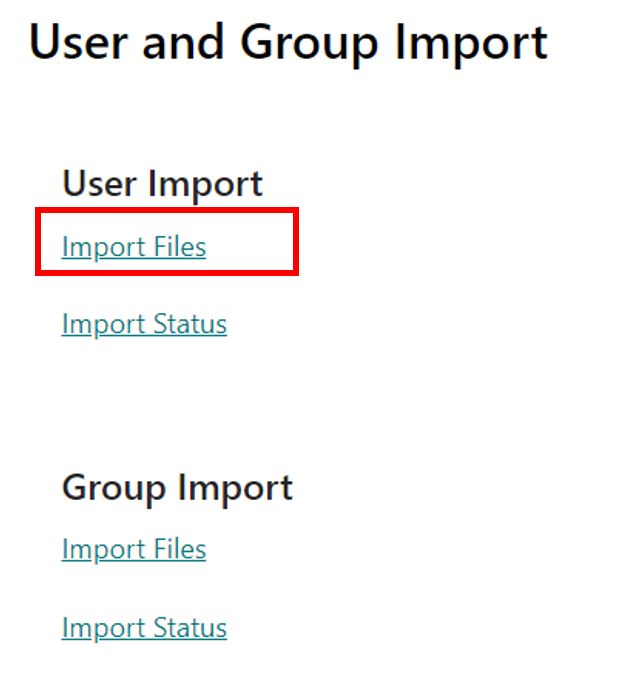
- That would take you to the User Manager User Imports Document Library.