How to find GroupKey
GroupKey value will be required if Group Owner imports users to a Group. GroupKey can be found by anyone having Group editing rights (Configuration Editor or Group Editor), and the Group Owners
By Configuration Editor or Group Editor:
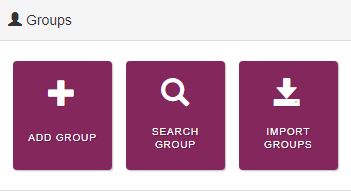
Login to Landing Admin and click Search Group
In the Group Search page put in the Group Name and Status and then click Search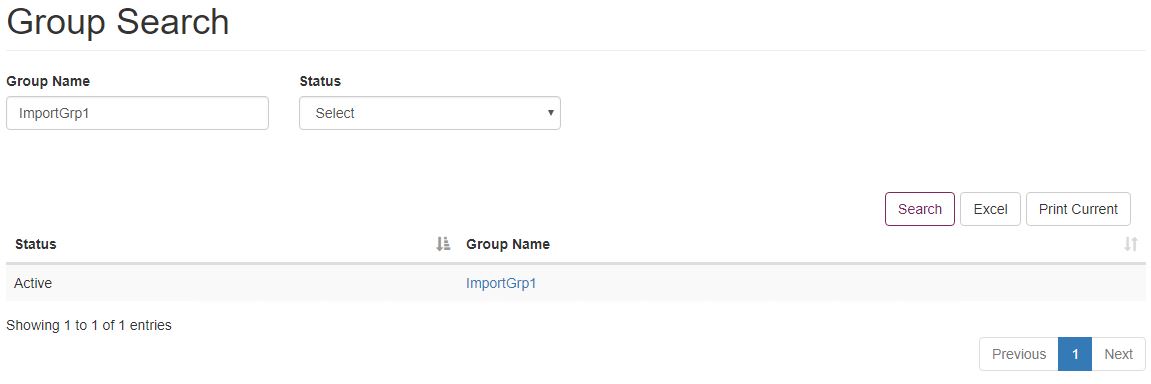
Method 1
When the search result is displayed, click Excel to download the search results in a .csv file. Open the downloaded file and look for the Group for which the GroupKey is required. The RoleKey column in the file will have the GroupKey value

Method 2
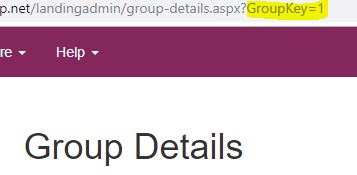
When the search result is displayed, click on the Group for which the GroupKey is required. This loads the Group Details page. The GroupKey can be found from the url of the page
By Group Owner:
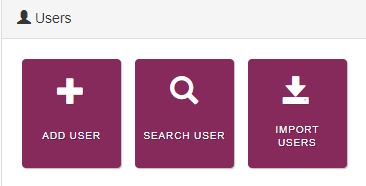
Login to Landing Admin as a Group Owner, and click the Add User tile. This will load the User Details page
In the User Details page, scroll down and click Add Group

This will bring up a Add Group popup form. Click Search to load the Groups in the form
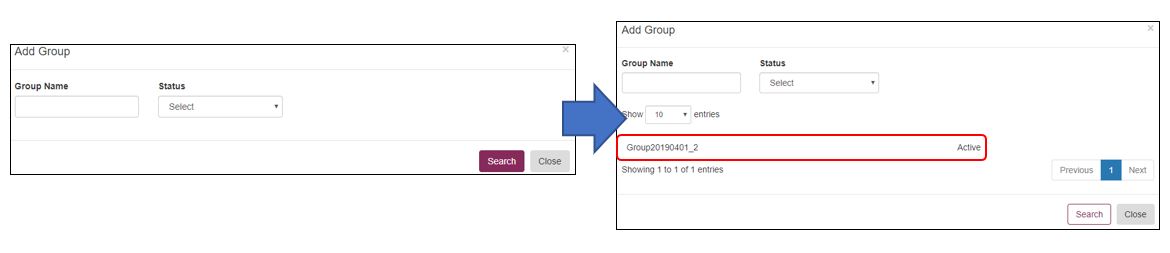
Click on the Group of which the Group Key is required. The Group will be highlighted and a green + Add Groups to User button will appear
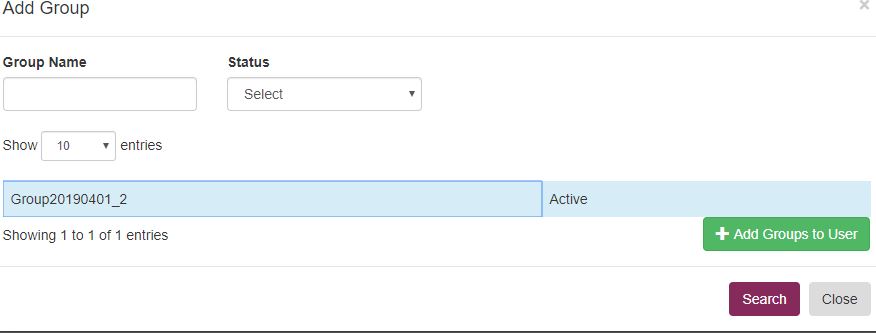
Click + Add Groups to User and close the popup form. The Group Key can be seen in the User Details page

Note down the Group Key. Click Back to go back to the Landing Admin without really adding a user.