How to download Logs for EUM installed On Premises
|
Published
To download the logs you would need to have access to the server in which EUM is installed.
Normally the logs can be found in Logs folder in C Drive.
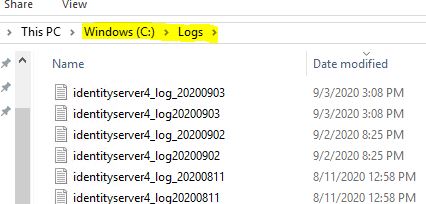
However, in some cases while installing EUM, a different folder might have been chosen. In that case, the following steps would help to download the logs:
In IIS, right click the EUM site and click Explore. This will open the folder where EUM is installed.
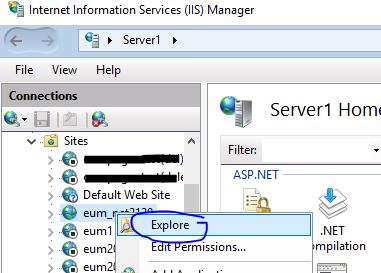
1. Navigate to IdentityServer/IdentityServer.exe.config and lookout for the path where the logs are saved. This path would take you to the IdentityServer logs.

2. Navigate to Extranet_API_V4/web.config and lookout for the path where the logs are saved. This path would take you to the Extranet API logs.
