Group Join button for EUM V6
|
Published
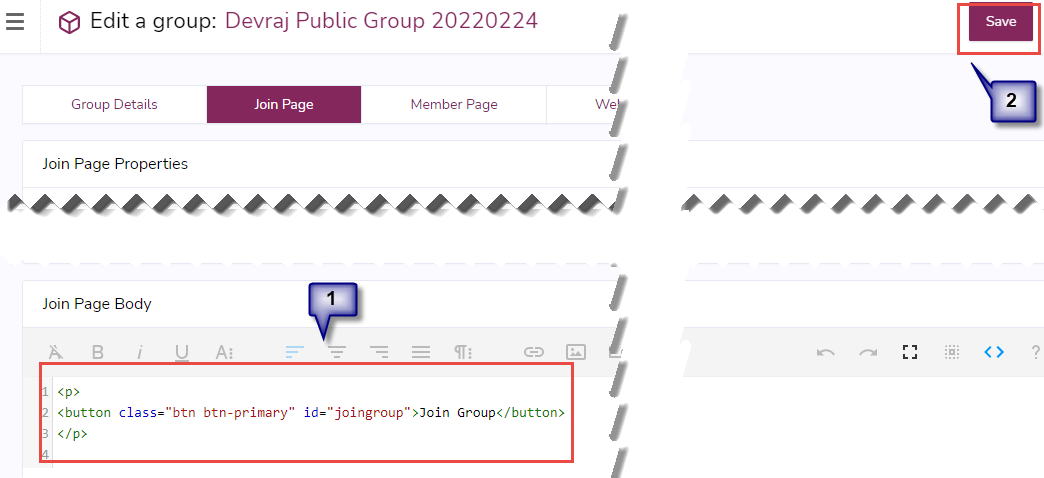
In EUM V6, if you have a Public Group or a Private Group, where the users have to click a button to join the group, this line of code will be very helpful:
<p>
<button class="btn btn-primary" id="joingroup">Join Group</button>
</p>
The class and the id are critical in this code, so should not be changed.
To use this, login to EUM V6 Admin as an Admin or a Group Owner, and
- Navigate to the Group you want to put the button into
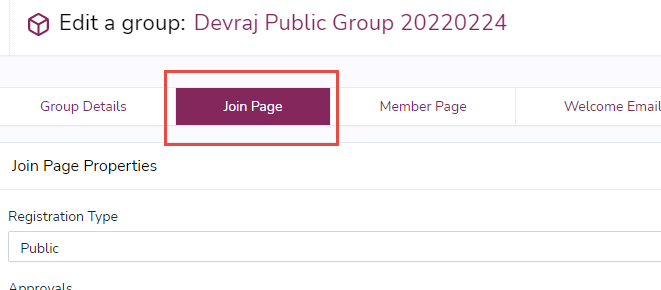
- Navigate to the Join tab
- Scroll down to the Join Page Body area and click the <> in the Page Body toolbar to expose the code view

- Paste the code there and click Save