Group Import
|
Published
Groups can be imported in EUM version 7. This can be used to bulk import new groups, or take over existing groups from Entra ID. In this article we will cover both the scenarios.
- Upload Template for Bulk Import to Create New Groups
- Upload Template for Bulk Import to Take Over Existing Groups from Entra ID
- Import the Uploaded File
Upload Template for Bulk Import to Create New Groups
- Login to EUM Admin and navigate to Groups by clicking Groups in the left-hand menu.
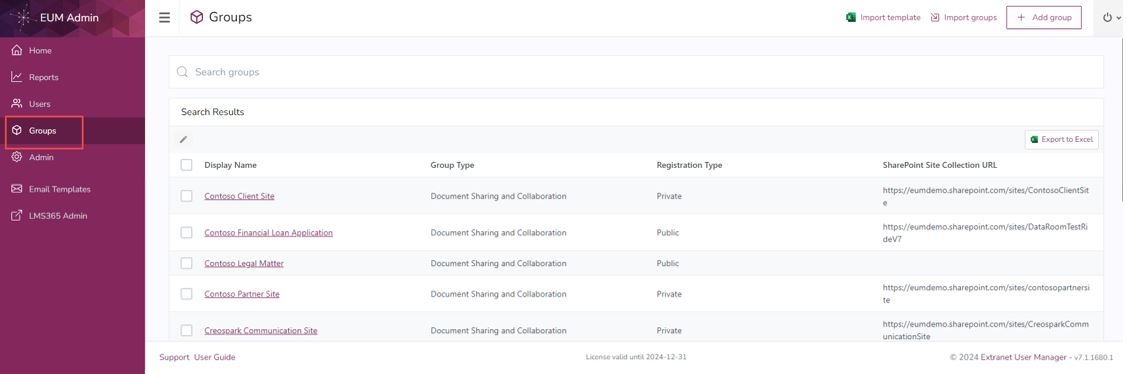
- Click Import Template to download one.
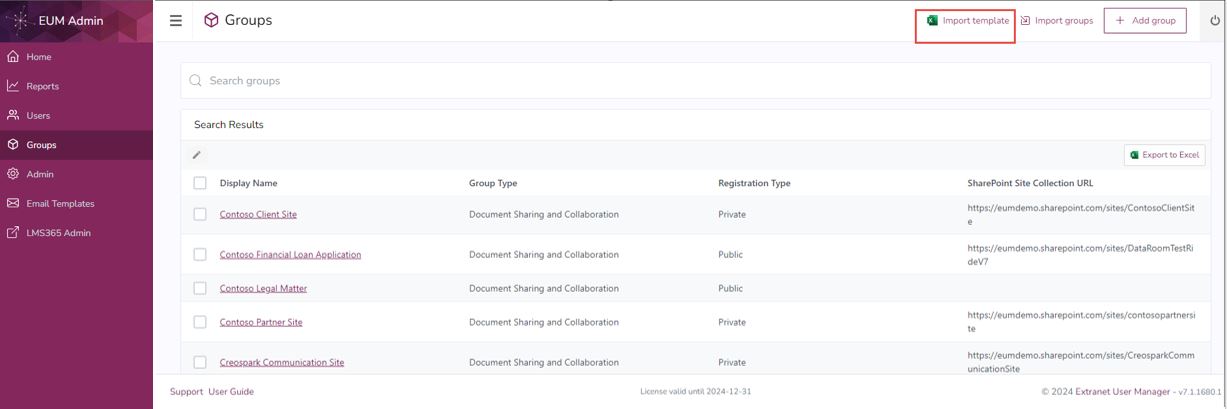
- In the downloaded Excel, click Enable Editing.
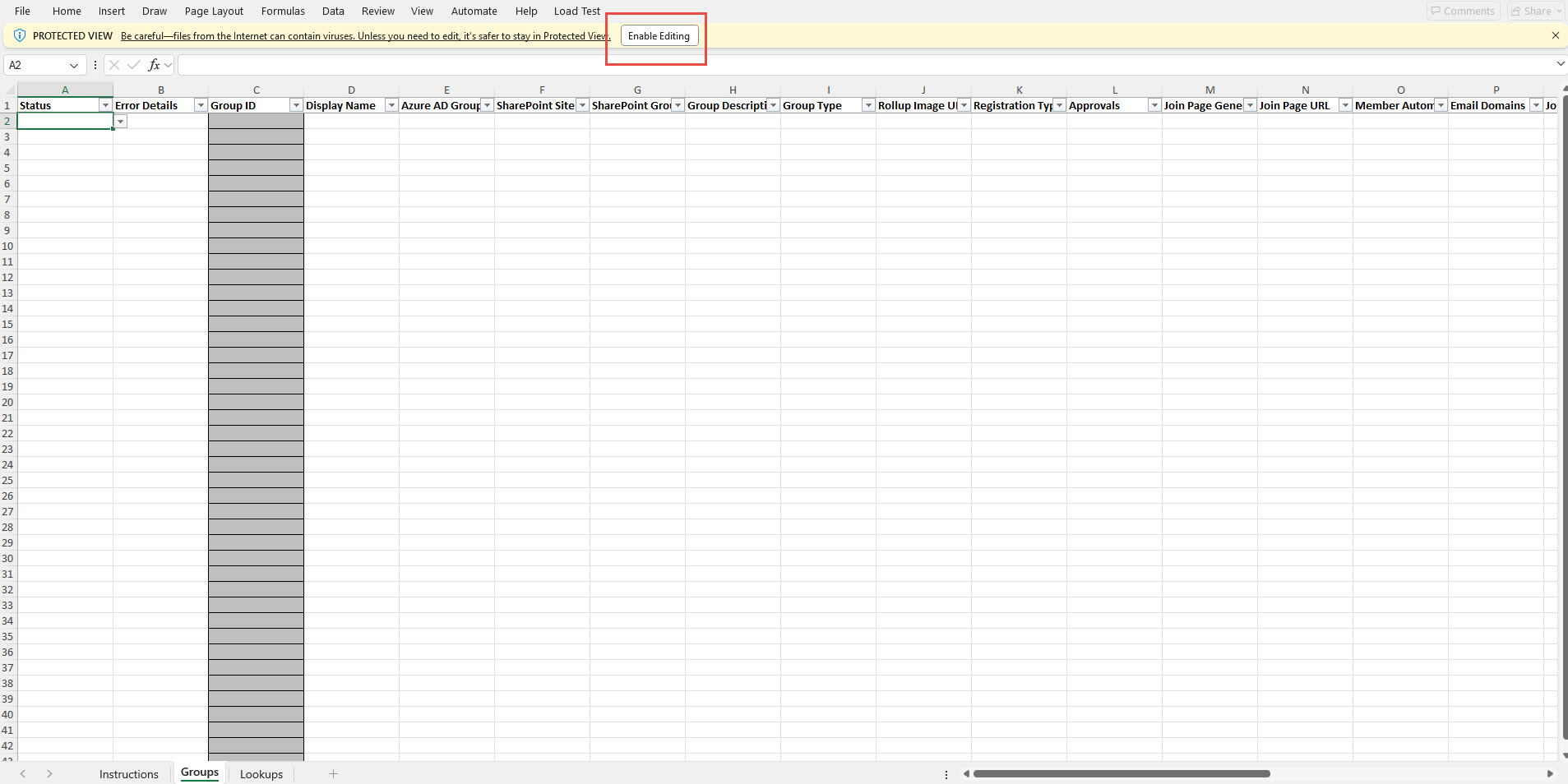
- Fill up the Excel. The minimum columns to be filled for the Import to work are:
- Status — should be ready for Import
- Display Name
- Registration Type
- Member Page Generation
- Group Welcome Email Enabled
- Do not fill in anything in the following columns:
- Error Details
- Group ID
- Save the Excel
- Navigate to Groups in EUM Admin and click Import Groups
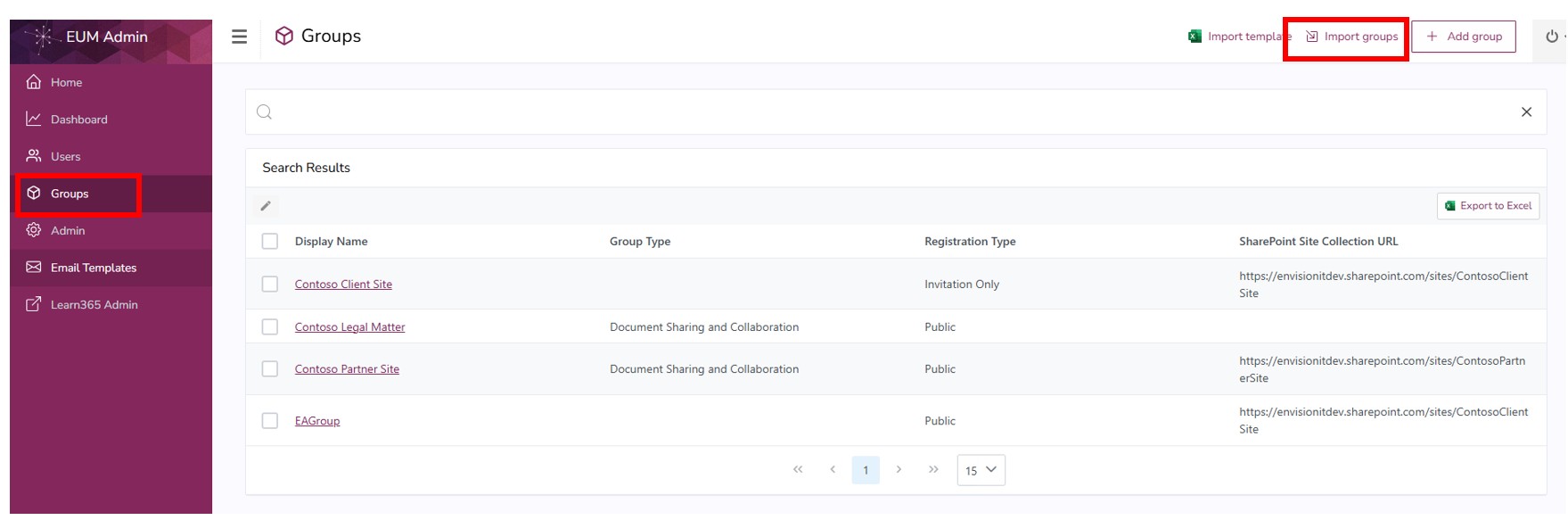
- This will take you to the EUM Config User Manager Group Imports library. Upload the Excel here.

- Import the Excel - click here to go to the import process.
Upload Template for Bulk Import to Take Over Existing Groups from Entra ID
- Login to EUM Admin and navigate to Groups by clicking Groups in the left-hand menu.
- Click Import Template to download one.
- In the downloaded Excel, click Enable Editing.
- Fill up the Excel. The minimum columns to be filled for the Import to work are:
- Status — should be ready for Import
- Group ID — should be the Object ID of the group to be taken over by EUM
- Display Name
- Registration Type
- Member Page Generation
- Group Welcome Email Enabled
- Do not fill in anything in the following columns:
- Error Details
- Save the Excel
- Navigate to Groups in EUM Admin and click Import Groups
- This will take you to the EUM Config User Manager Group Imports library. Upload the Excel here.
- Import the Excel - click here to go to the import process.
Import the Uploaded File
- Click Import beside the Group Import file. Make sure that the file is not open anywhere.

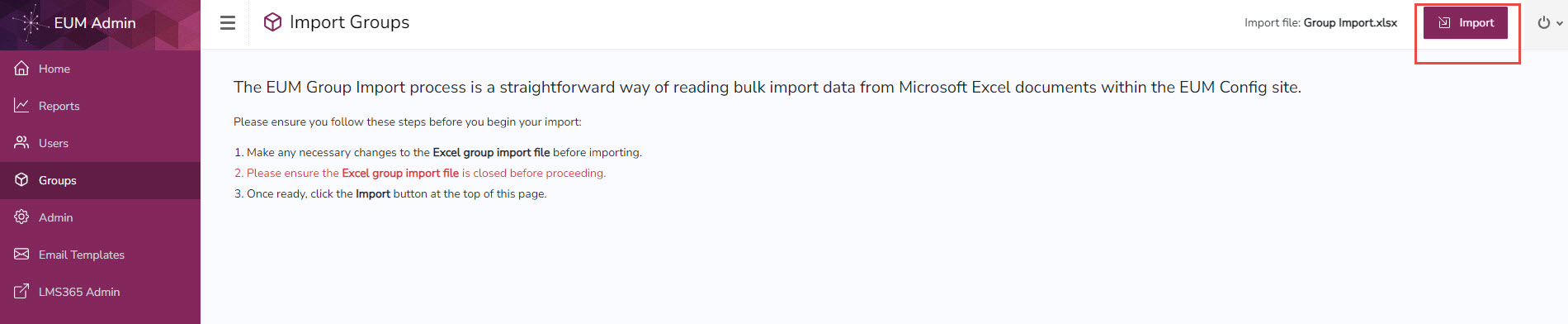
- This will load EUM Admin Import Groups page. Click Import.
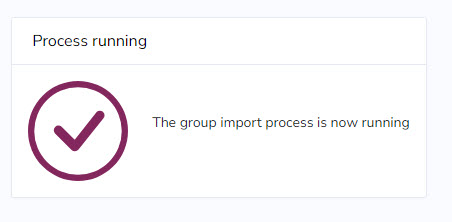
- A confirmation of the submission will be displayed.
- The Group Import file can now be opened from the EUM Config. When each group is imported, the Status column for the group will change to Import Completed for new groups and Takeover Completed for Entra ID Groups takeover by EUM.