Find how many Guest Users logged in last one year
There are a couple ways one can find how many Guest Users logged in last one year:
Using Power BI
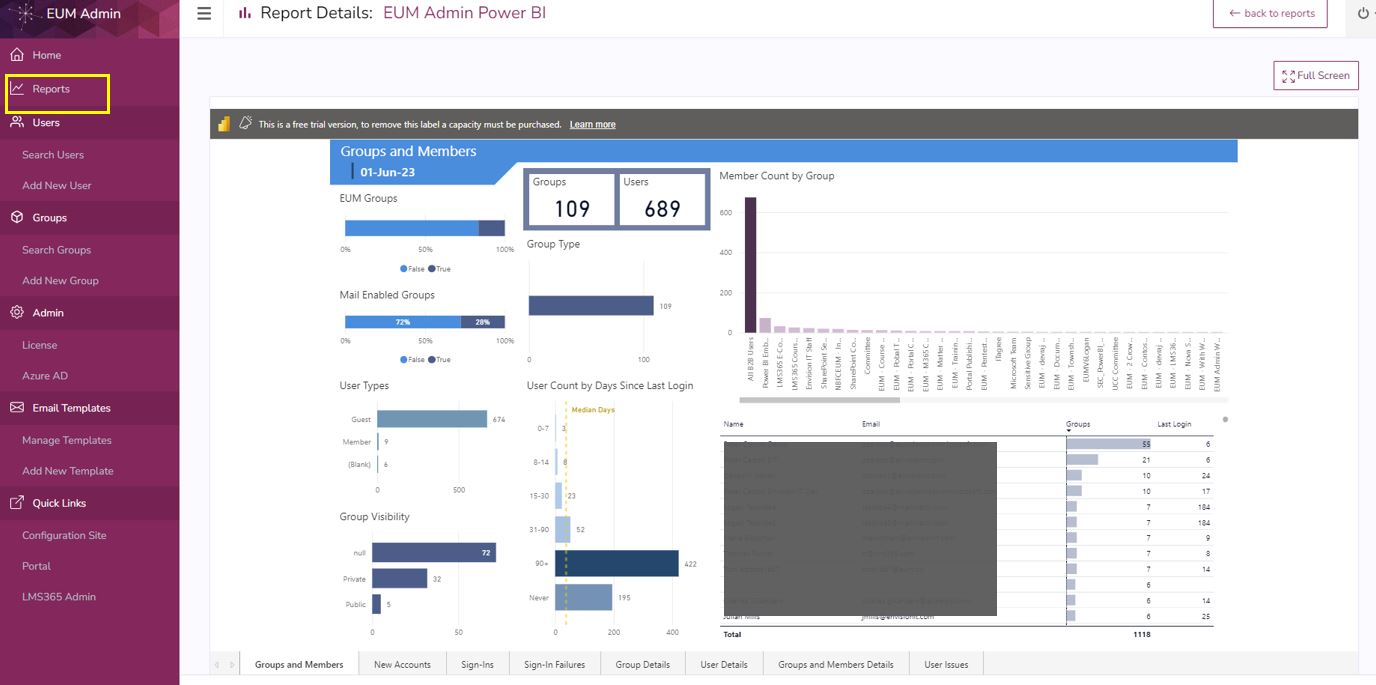
The EUM Admin Power BI Report can give you a handful of important information like
- Number of Groups and Users tied to EUM
- User Count by Days since Last Login
- Sign In Success and Failures and Locations
- Groups and Members details
- User Issues
There are few options you can select from, and we can discuss the reports and its requirements further before we help you to set it up. You can reach us by sending an email to helpdesk@envisionit.com. Please refer to EUM Power BI Reports for further details.
Using Storage Account
For setting up Storage Account you would need an Azure Subscription. More details about the pricing can me found here: Microsoft Pricing.
You can reach us by sending an email to helpdesk@envisionit.com so we can help you setting up the Storage Account.
Once the Storage Account is set, please follow the below steps to get the needed data:
- Navigate to https://portal.azure.com and login as Global Admin
- Navigate to the Resource Group having the EUM Storage Account
- Find the EUM Storage Account and click to navigate to the Storage Account

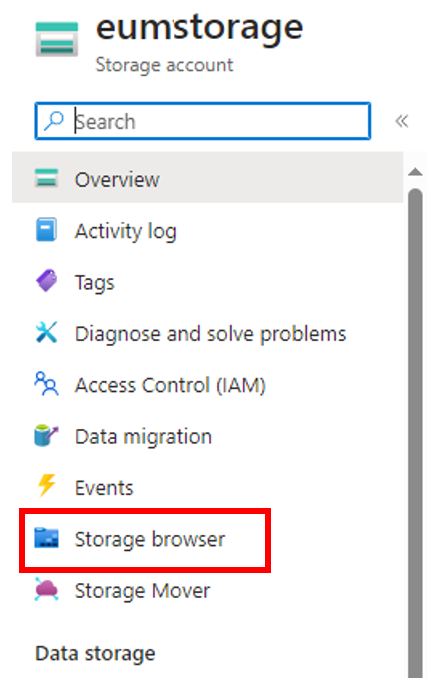
- Within the Storage Account, in the left hand menu click Storage Browser
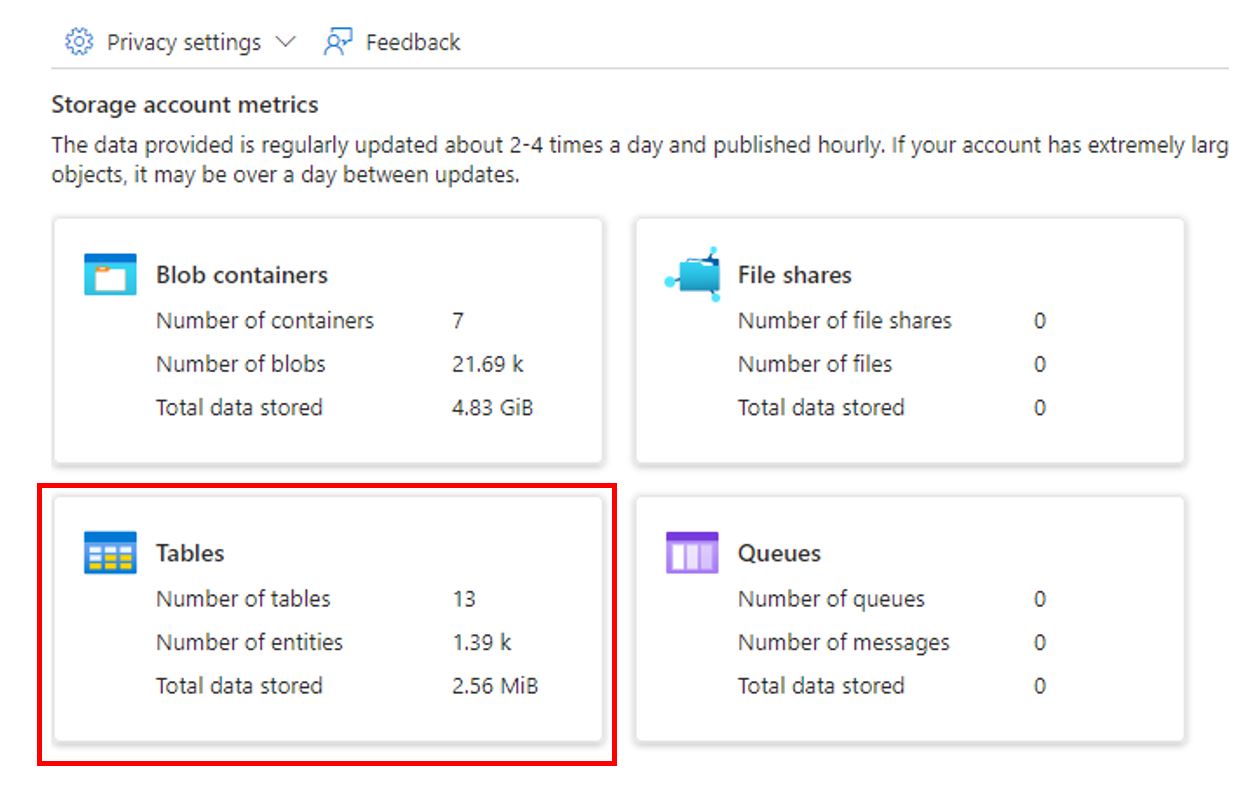
- Click Tables
- Click Users
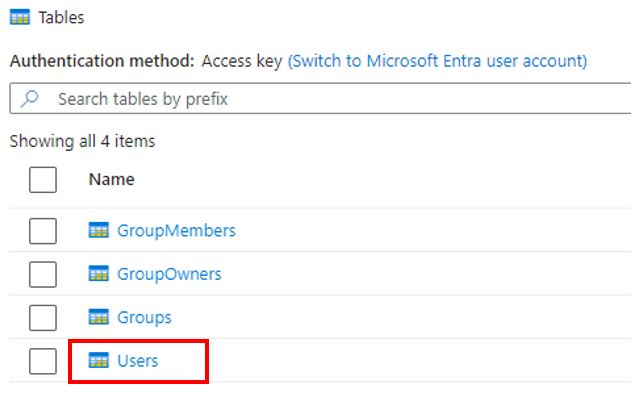
- The Users page would display all the users. To check how many Guest users logged in in the last one year, click Add filter
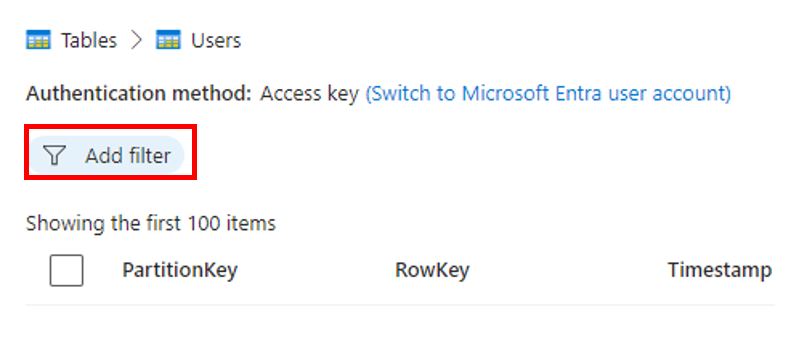
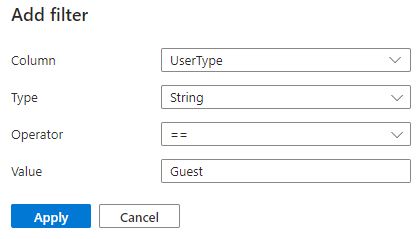
- Add a filter to show only Guest Users
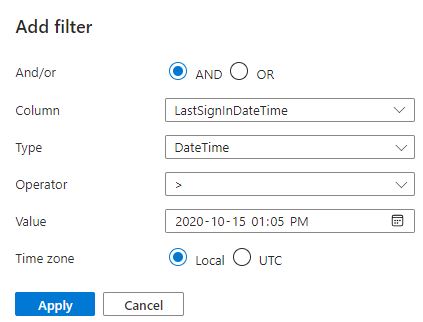
- Click Add filter again, and this time add a filter to show Last Sign In Date greater than a date one year before, or whatever the desired last date of sign in is.
- Once the results are displayed, scroll down till the header of the table has a message saying its showing all the items

- The count it shows in the message is the Total Number if Guest Users logged in last one year. In the screenshot, its163 users.
Using the EUM Config Site
If you do not have a Power BI Report configured, and do not have Storage Account in your tenant, you might still be able to find out the required data in the EUM Config site.
- Login to EUM Config Site. Please refer to Finding the EUM Config SharePoint site if you need help in finding out where this site is.
- Under Data Portal, click EUM Admin Power BI
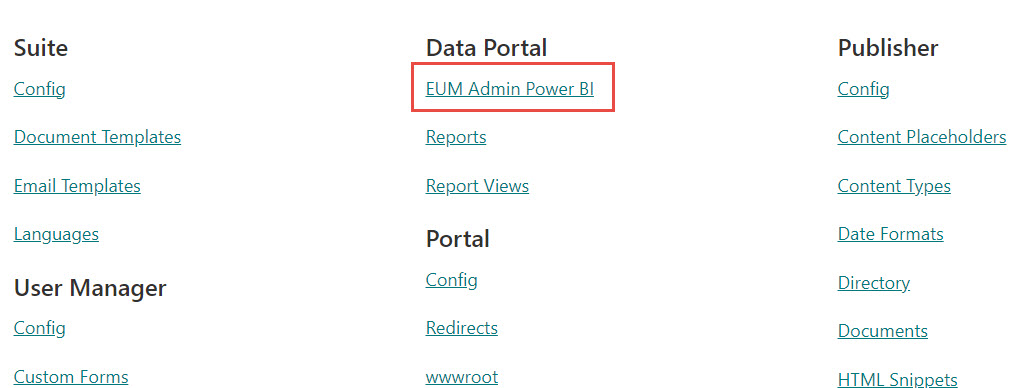
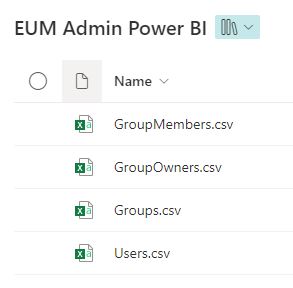
- All the csv files there would have data. The Users.csv can be used to pull out the data about how many guest users logged in last one year.