Deactivate Portal Welcome Email in EUM V6
|
Published
Out of the box EUM has the Portal Welcome Email activated. When a new guest user is created through EUM, a Portal Welcome email is fired when it is activated. In some scenarios this might not be desirable, so this can be deactivated by someone having access to EUM Admin, or Owner access to the EUM Configuration site.
EUM 6.0.8460.2 and above
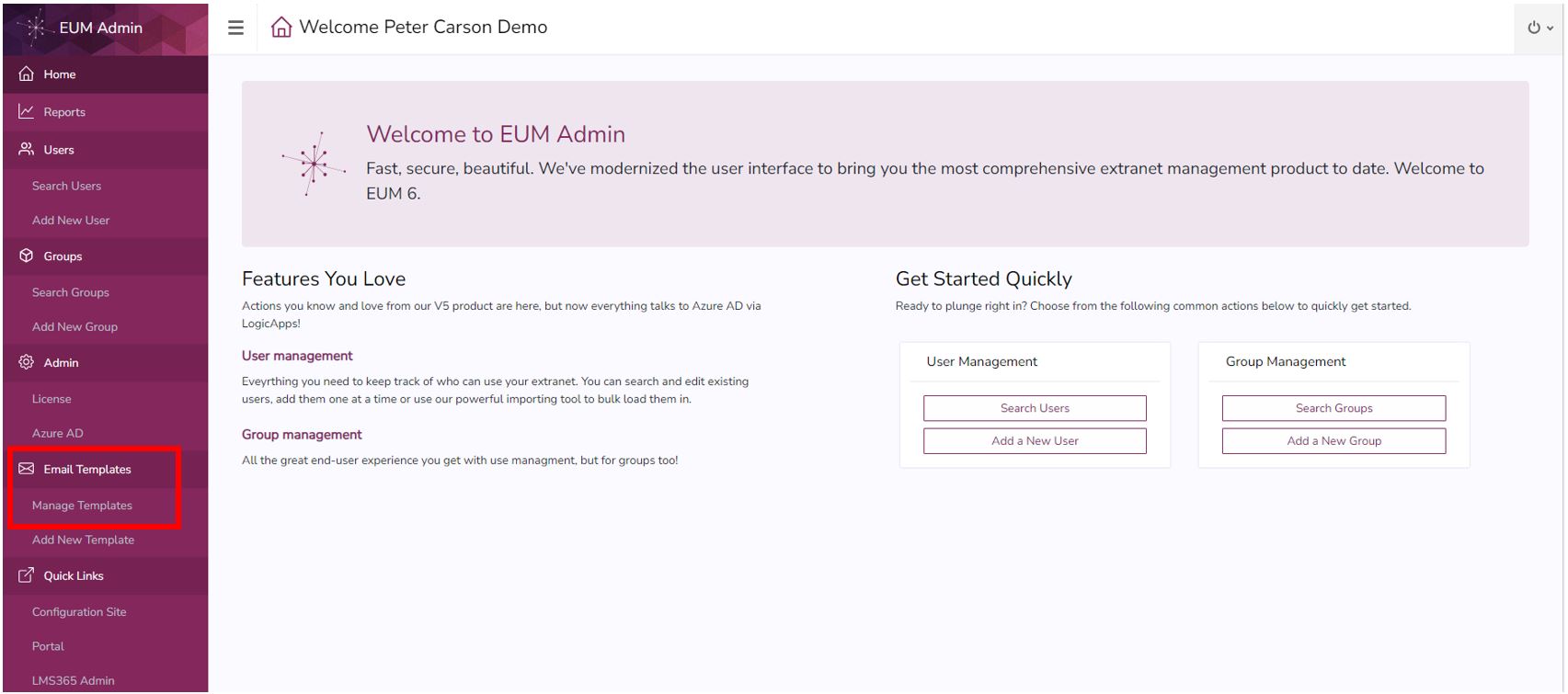
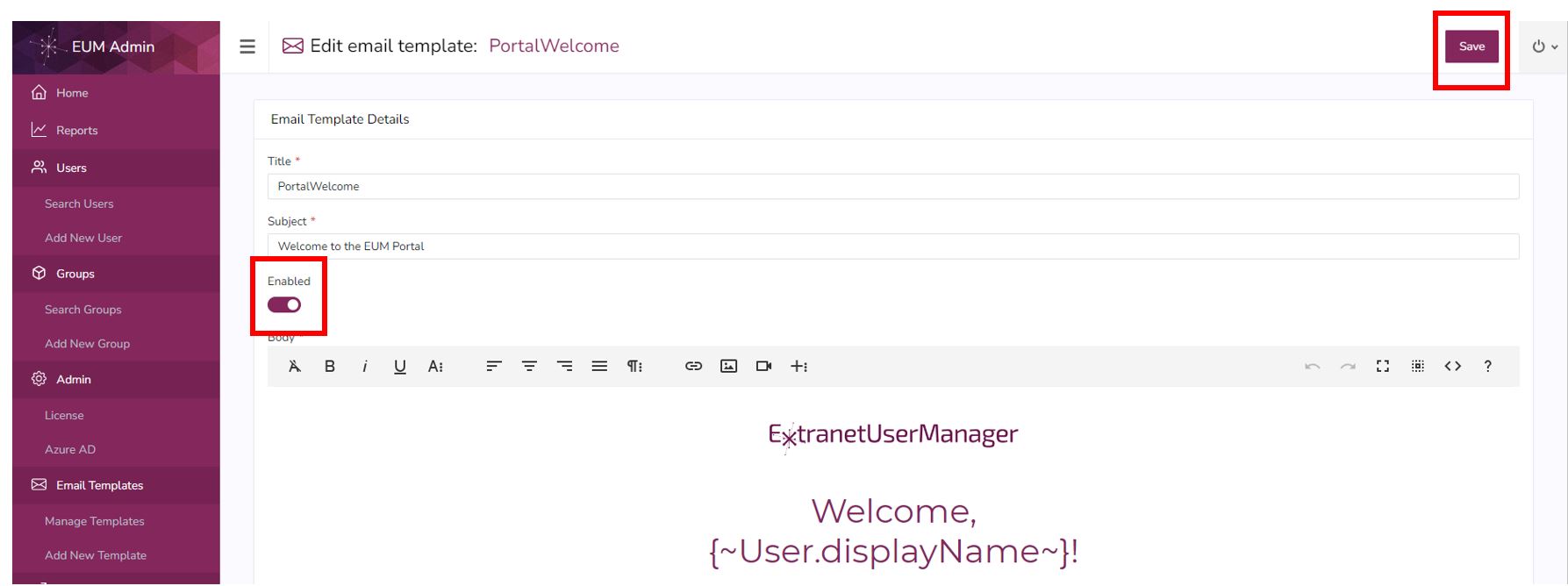
- Please login to EUM Admin and click the Manage Templates site in the left hand Menu.
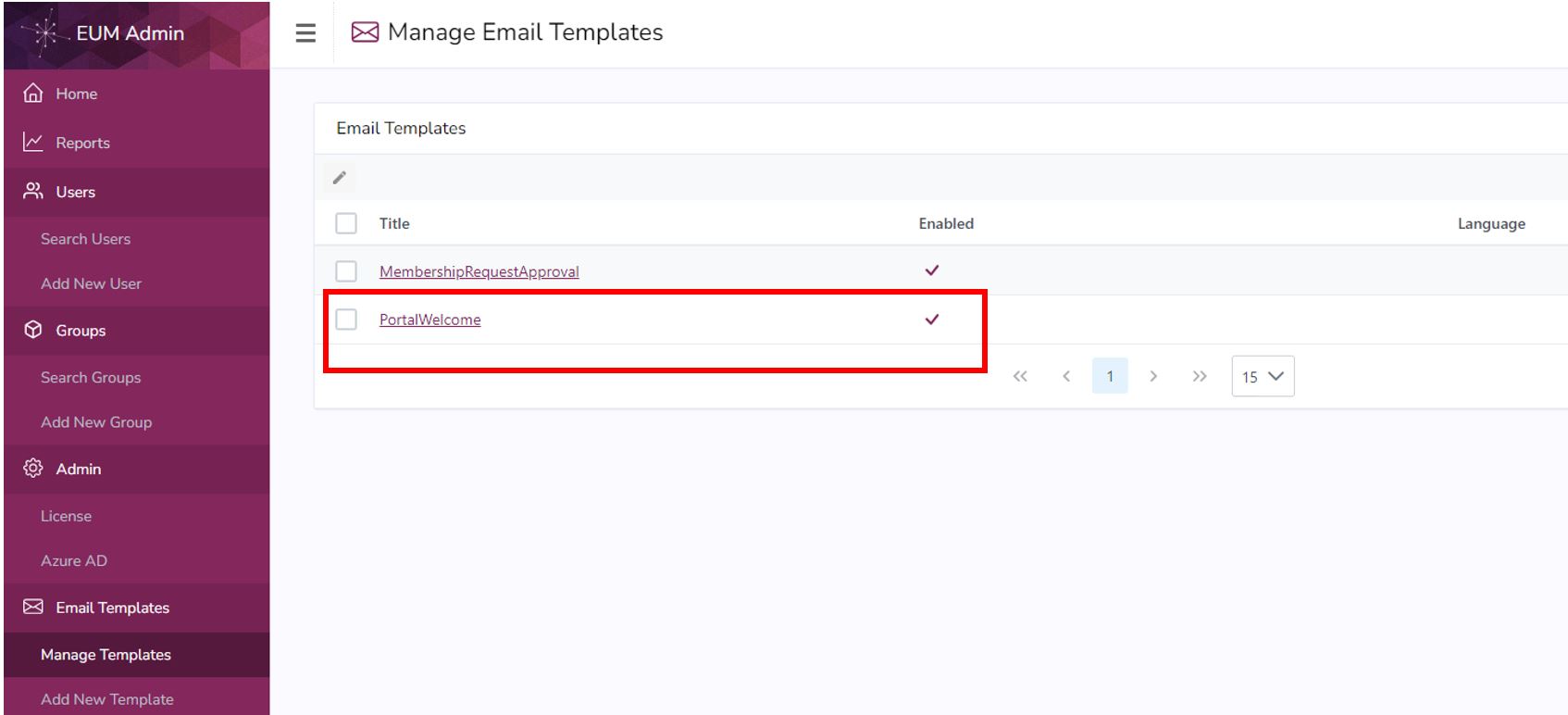
- Check if the PortalWelcome email is enabled
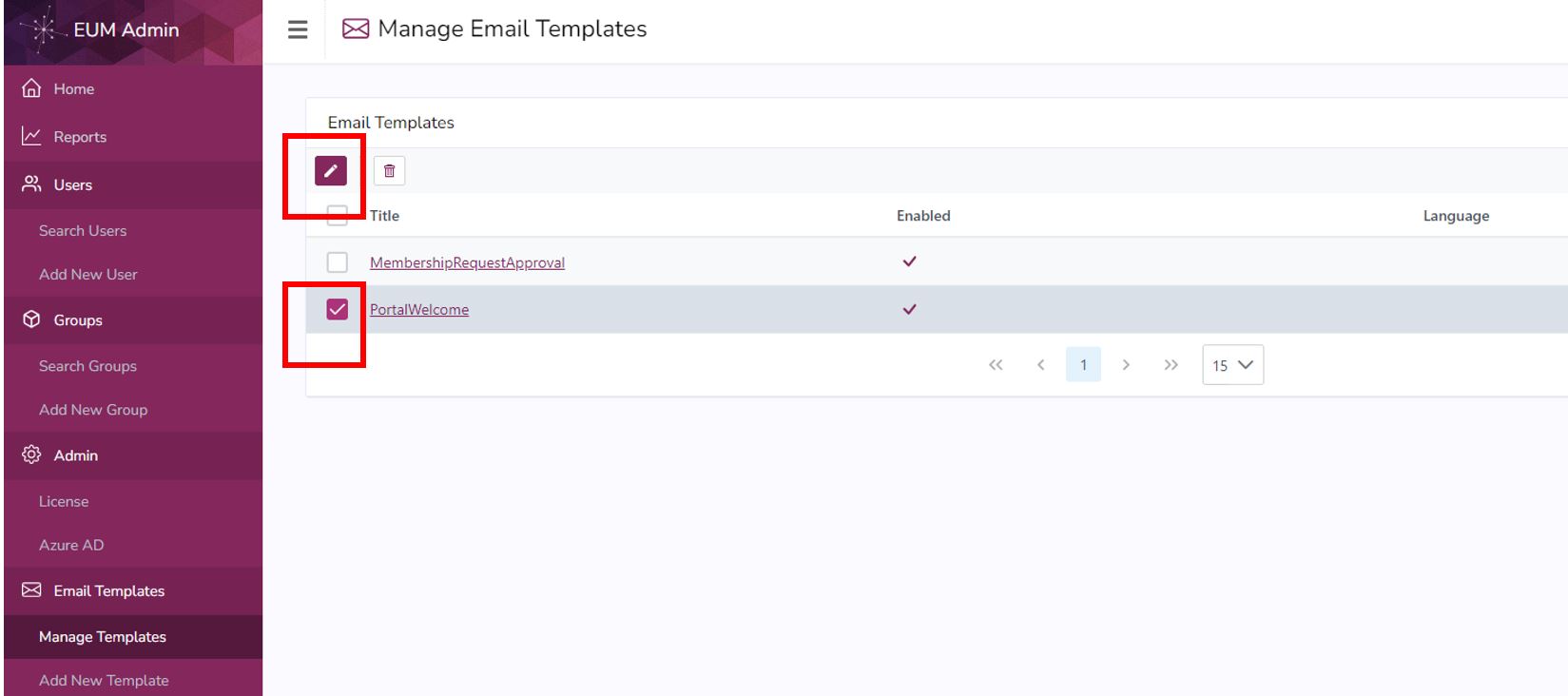
- If enabled, select the PortalWelcome email and click Edit
- Disable the email and click Save
EUM 6.0.8433.1 and below
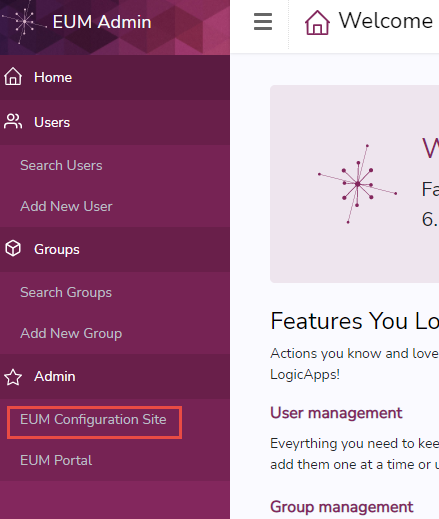
- Login to EUM Admin and click the link to the EUM Config site
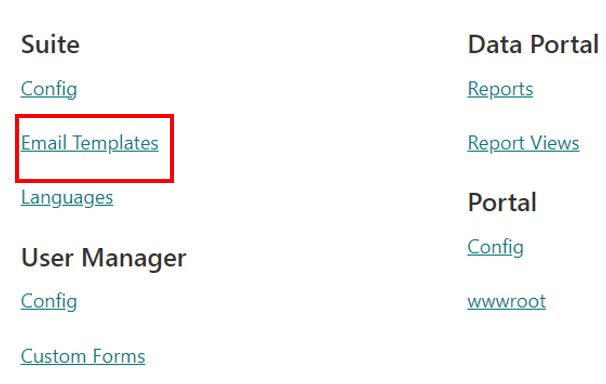
- Once in the EUM Configuration site, click "Email Templates" under Suite
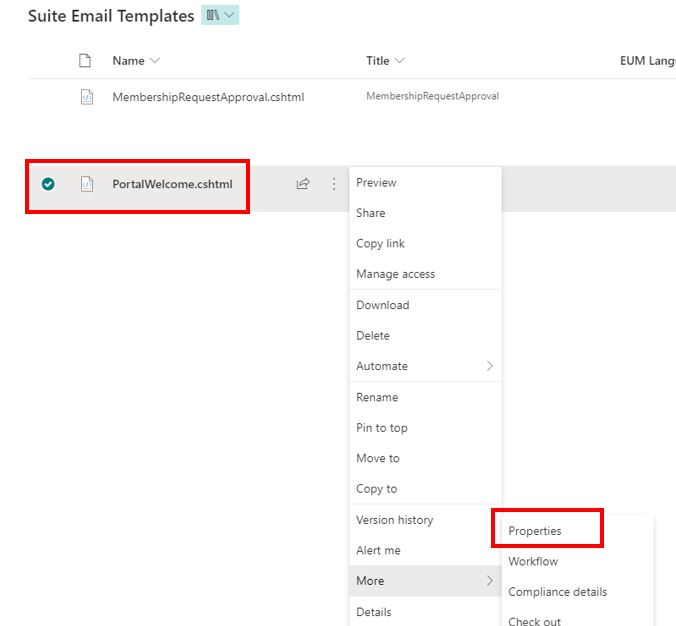
- Select PortalWelcome.cshtml, click the three dots beside it, expand More, and go to Properties
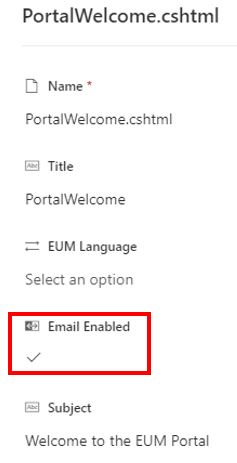
- Click the checkbox to disable the "Email Enabled" field. Click anywhere outside to save it.