Changing Group Name in EUM V5 and below
|
Published
The Group Name can be changed by anyone having Group Edit access.The Group Name in an Active Group cannot be changed. To change the Group Name, take the following steps:
- In the group-details.aspx page for the concerned Group, change the Group Status to Deactivated
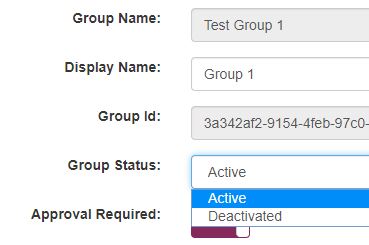
- Click the Update button
-
Refresh the browser. The Group Name now looks editable
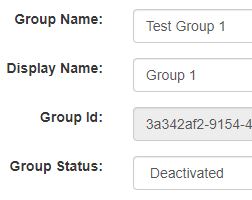
- Edit the Group Name to a desired one
- Click the Update button
- Change the Group Status back to Active
- Click the Update button
-
Refresh the browser. The Group Name now looks non-editable
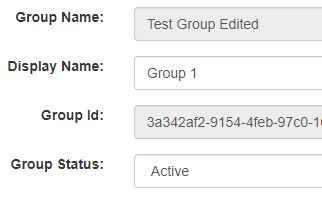
The Group Name is changed