Bulk Add Group Owner to Existing EUM Group in EUM V7 and V6
|
Published
Group Owners can be added in bulk to existing EUM Groups using the Group Import process by EUM Administrators and EUM Managers.
The process differs between EUM V6 and EUM V7.
EUM V6
Please follow the steps below for bulk adding Group Owners to Groups.
- Login to Microsoft Entra ID (Azure AD) and go to the Groups page.
- Select the concerned Group and Download groups.
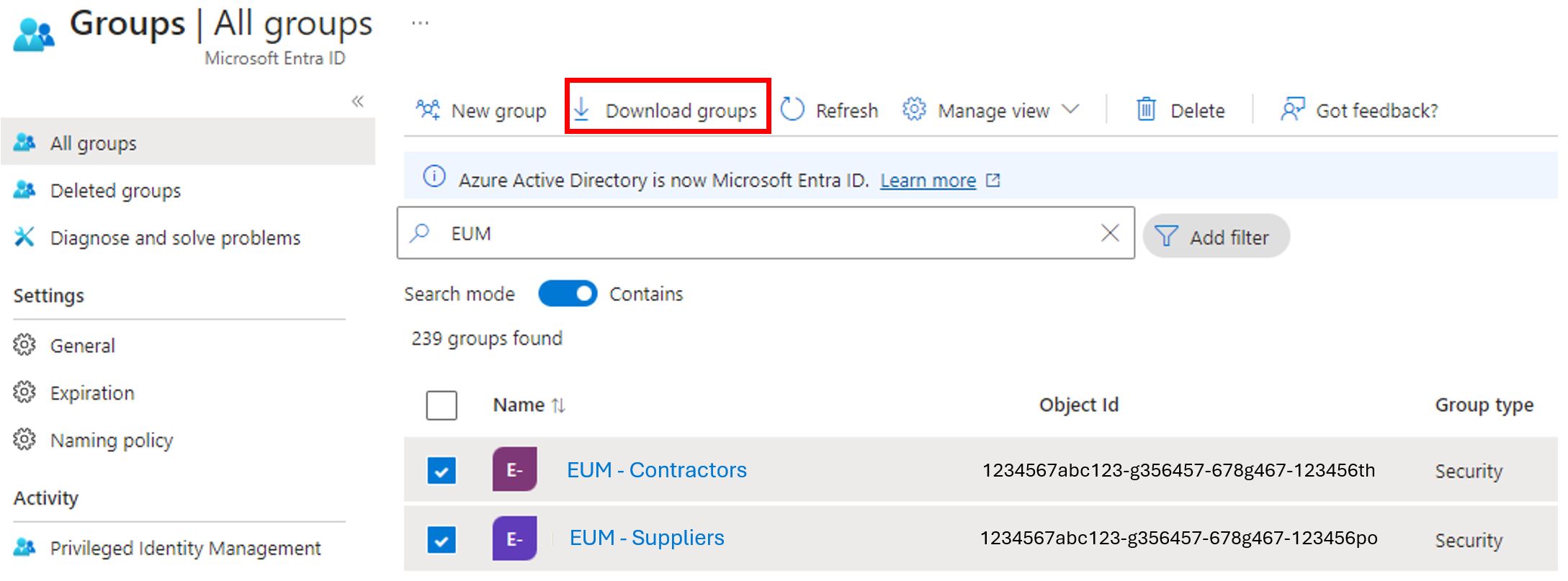
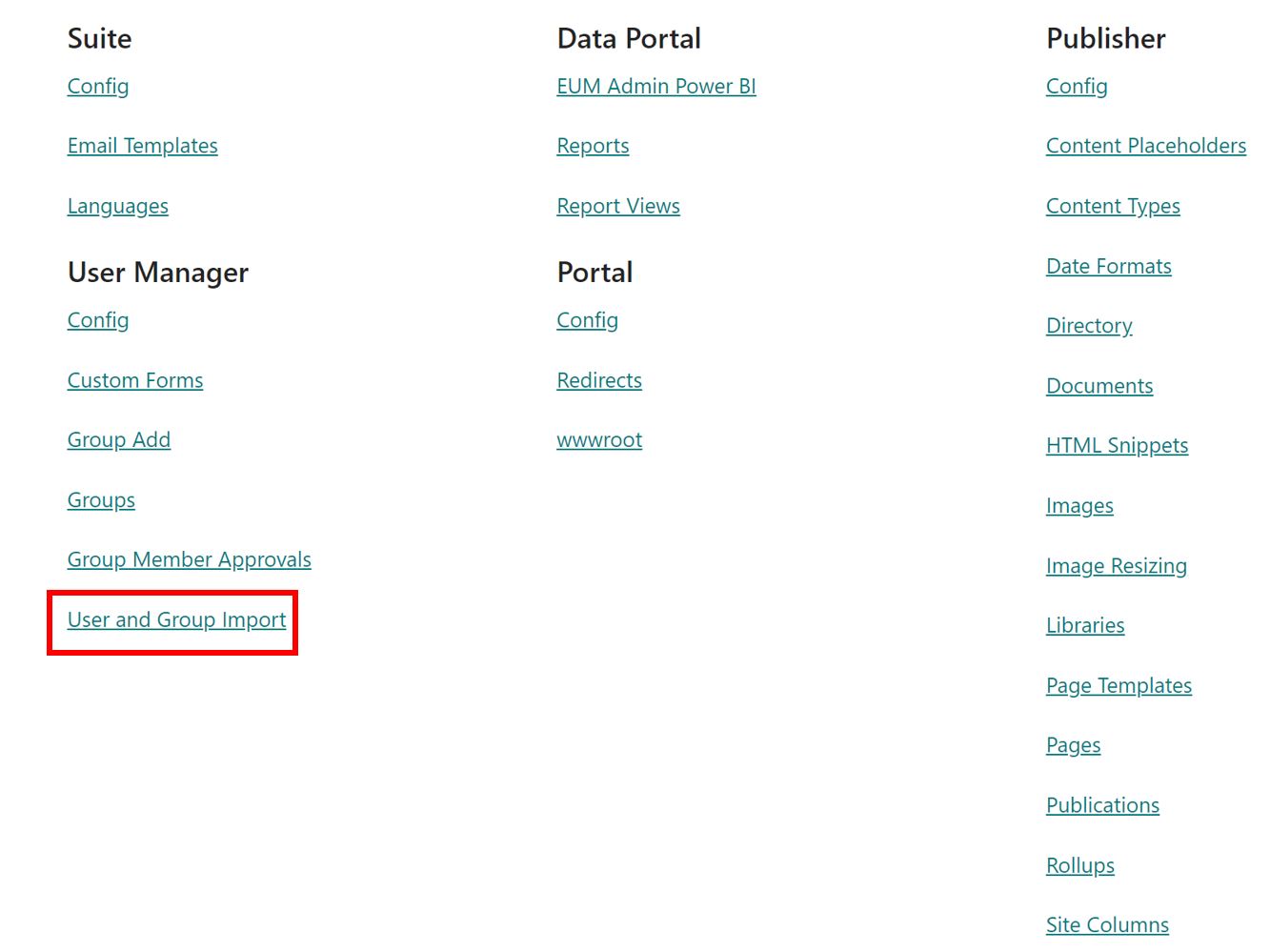
- Login to EUM Config.
- Click User and Group Import under User Manager.
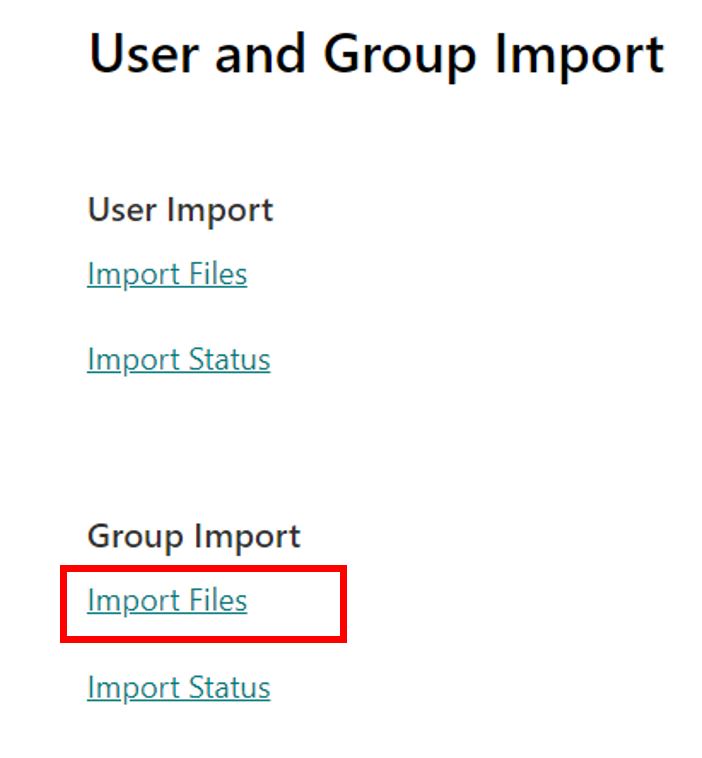
- Click Import Files under Group Import.
- Click to open Group Import.xlsx file.

- Fill up this file using the details collected from the Group Export from Azure AD.
- Status: Ready for Import.
- Object ID: The one for the concerned group, and this information can be found in the Group Export from the Azure AD.
- Group Name: The Display Name for the Group in EUM Admin.
- Owner: Put in the Group Owner's email. If multiple owners are to be added to a group, then this will need multiple rows for the same group, each row having a unique owner.
- Details: Keep this column blank.

- Navigate back to the EUM Config Site, then to the User and Group Import, and then to Import Files for Group Import.
- Click the Import link.

- You will be redirected to EUM Admin with a message confirming the Group Import has been initiated.
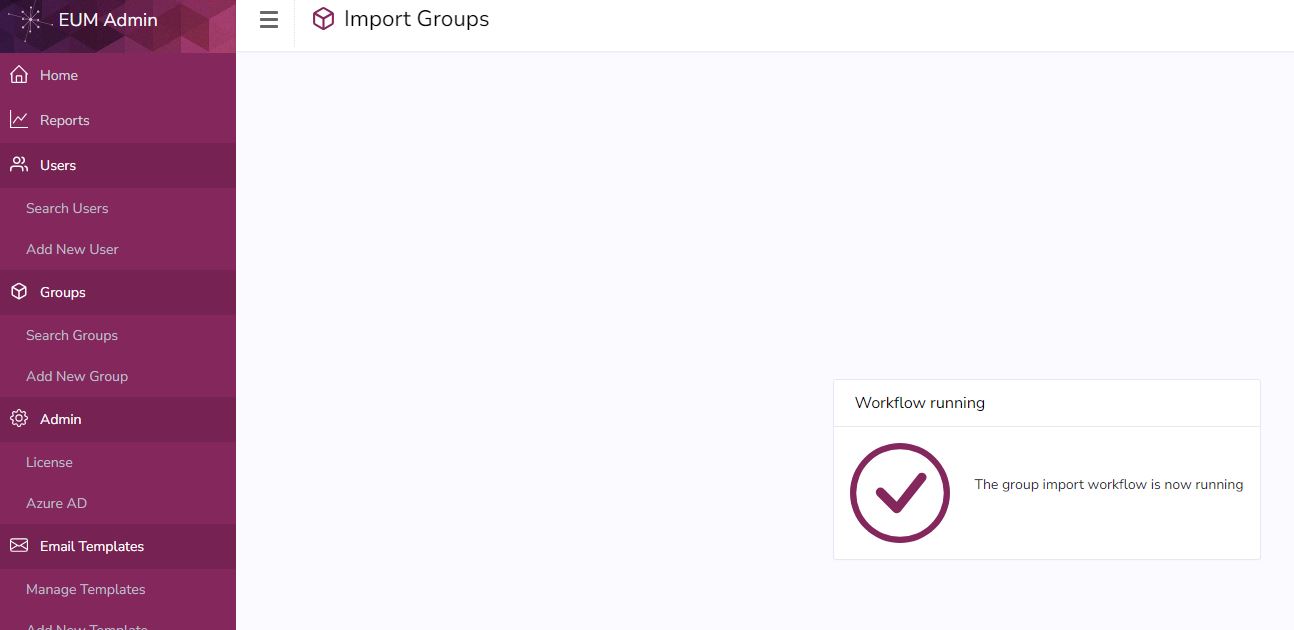
- Upon completion of the process, the Excel will have an updated Status, and Group Owners added to the Groups.
EUM V7
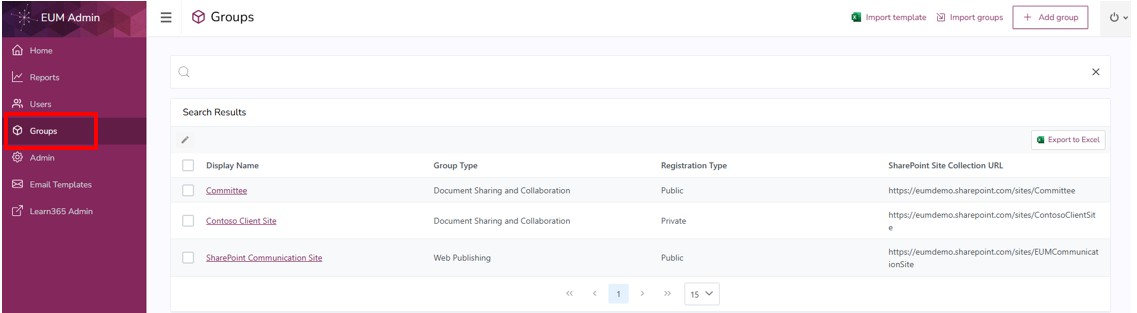
- Login to EUM Admin and navigate to Groups in the left-hand menu.
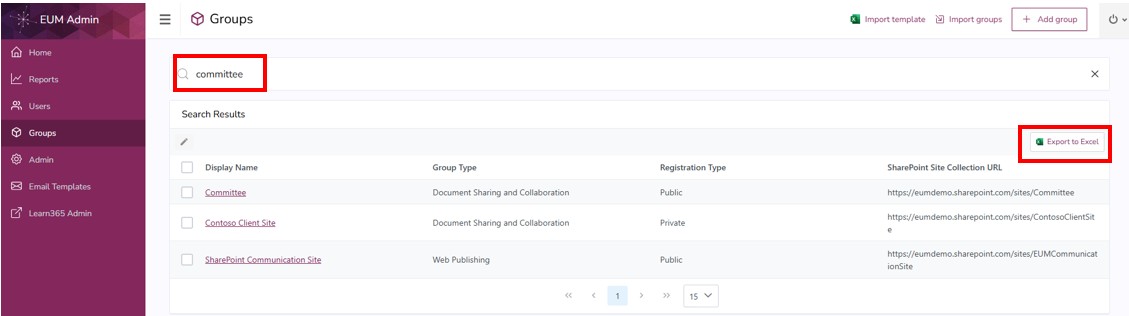
- Search for the groups to which the owners are to be added. Export the search results.
- Within the Excel that downloaded, change the following:
- Change Status in Column A from Blank to Ready for Import.
- Add a new column at the end, and name it Owner.

- Save the Excel.
- Within the EUM Admin Groups page, click Import Groups. That would take you to the Group Import list within the EUM Config site.
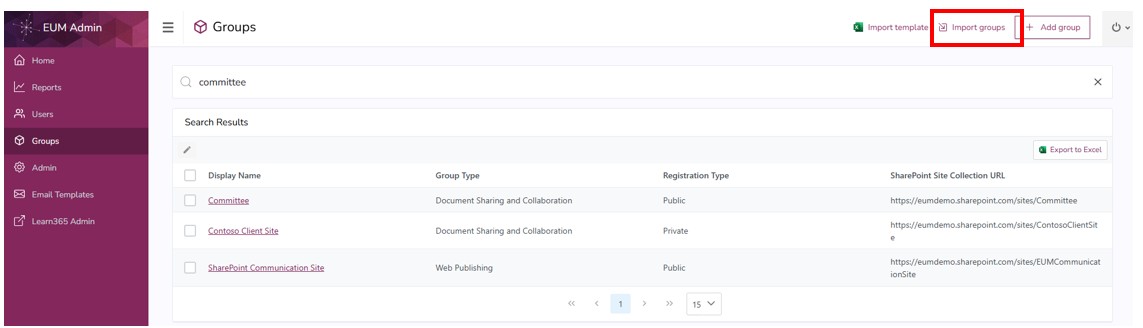
- Place the saved Excel there, and click the Import link beside the uploaded Excel.
- You will be redirected to EUM Admin with a message confirming the Group Import has been initiated.
- Upon completion of the process, the Excel will have an updated Status, and Group Owners added to the Groups.