Authenticate EUM excelonlinebusiness API Connection - EUM V6 and V7
|
Published
For EUM to be able to bulk import users, you will need to set up a Member type of account in your Entra ID and give it a Microsoft Office Online license.
After the user account is created and a Microsoft Office Online license provisioned for that user, follow these steps:
- Login to the Azure Portal and go to the EUM Resource Group.
- If your EUM is hosted by Envision IT, we will provide you with the link to the API Connector, as well as the needed access. Login to the link with your email address, as this is the account we would have invited into our tenant.
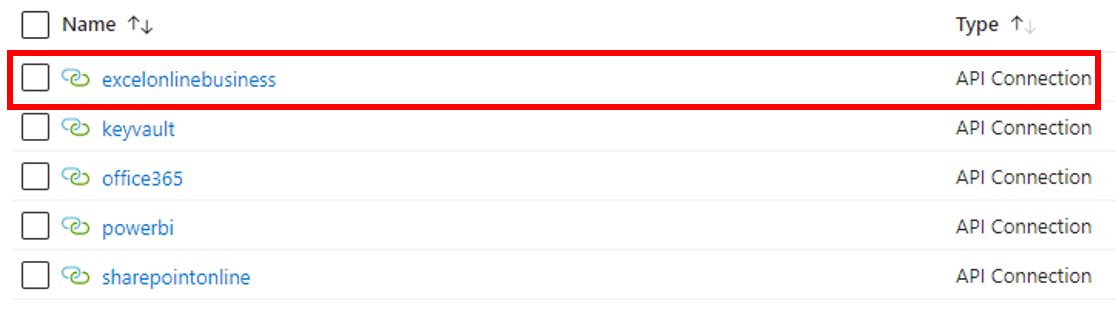
- In the Resource Group, look for "excelonlinebusiness" API Connection and authorize it.
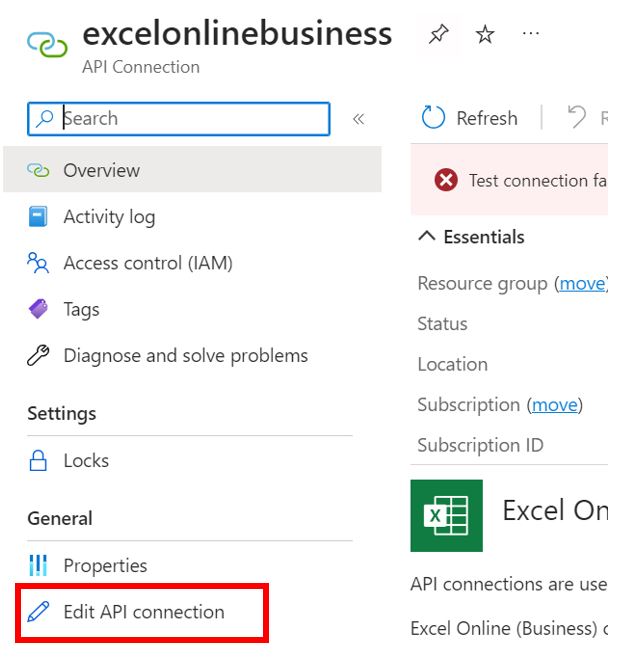
- Click Edit API Connection.
- Click Authorize and sign in with an account with a Microsoft Office Online license.
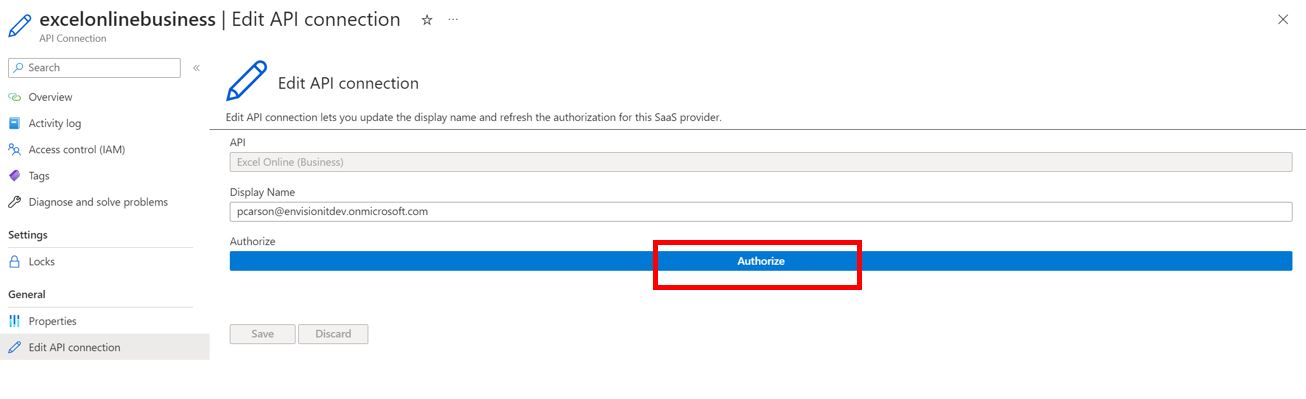
- Click Save.