Approving a Pending Approval Account in EUM V4 and V5
|
Published
Login to Landing Admin and use the Search User to search the user that needs to be approved.
To narrow down the search select Pending Approval as Status in the User Search page. Click Search.
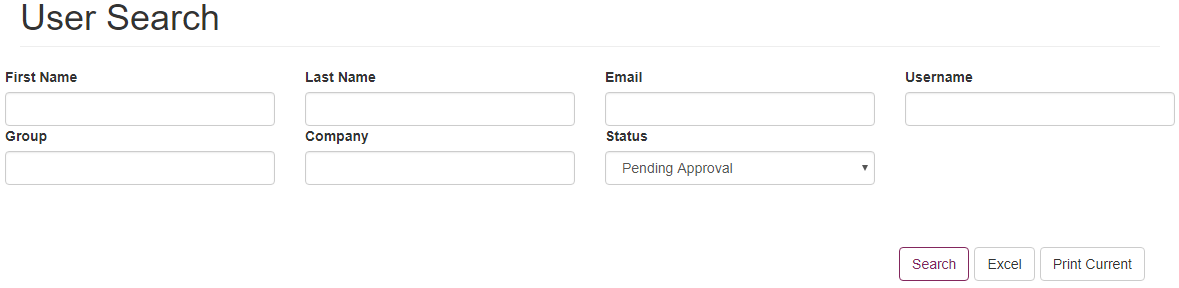
Click the Edit icon for an account requiring approval
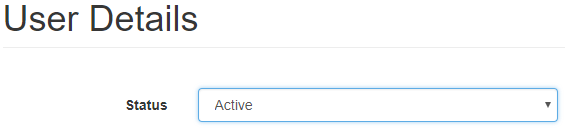
Change the status field from Pending Approval to Active. Click Update to save the changes. A success message would be displayed to confirm the change.