Approve Group Membership Approval Request in EUM V6
|
Published
Note: This feature is not available in EUM V7
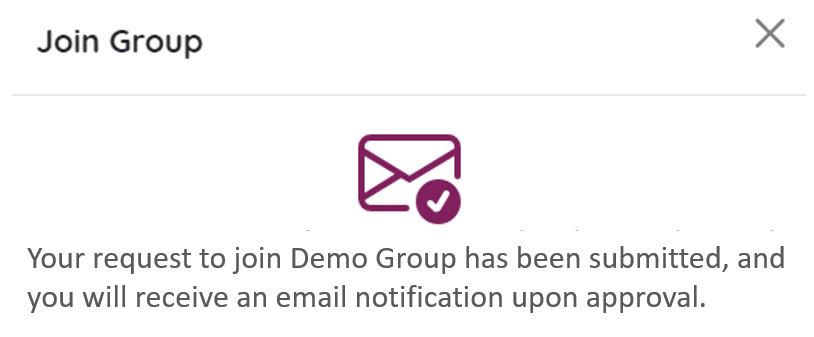
If a EUM Group is so setup, that an approval is needed for joining that group, the user trying to join the group will see a notification that the request to join the group is waiting for approval.
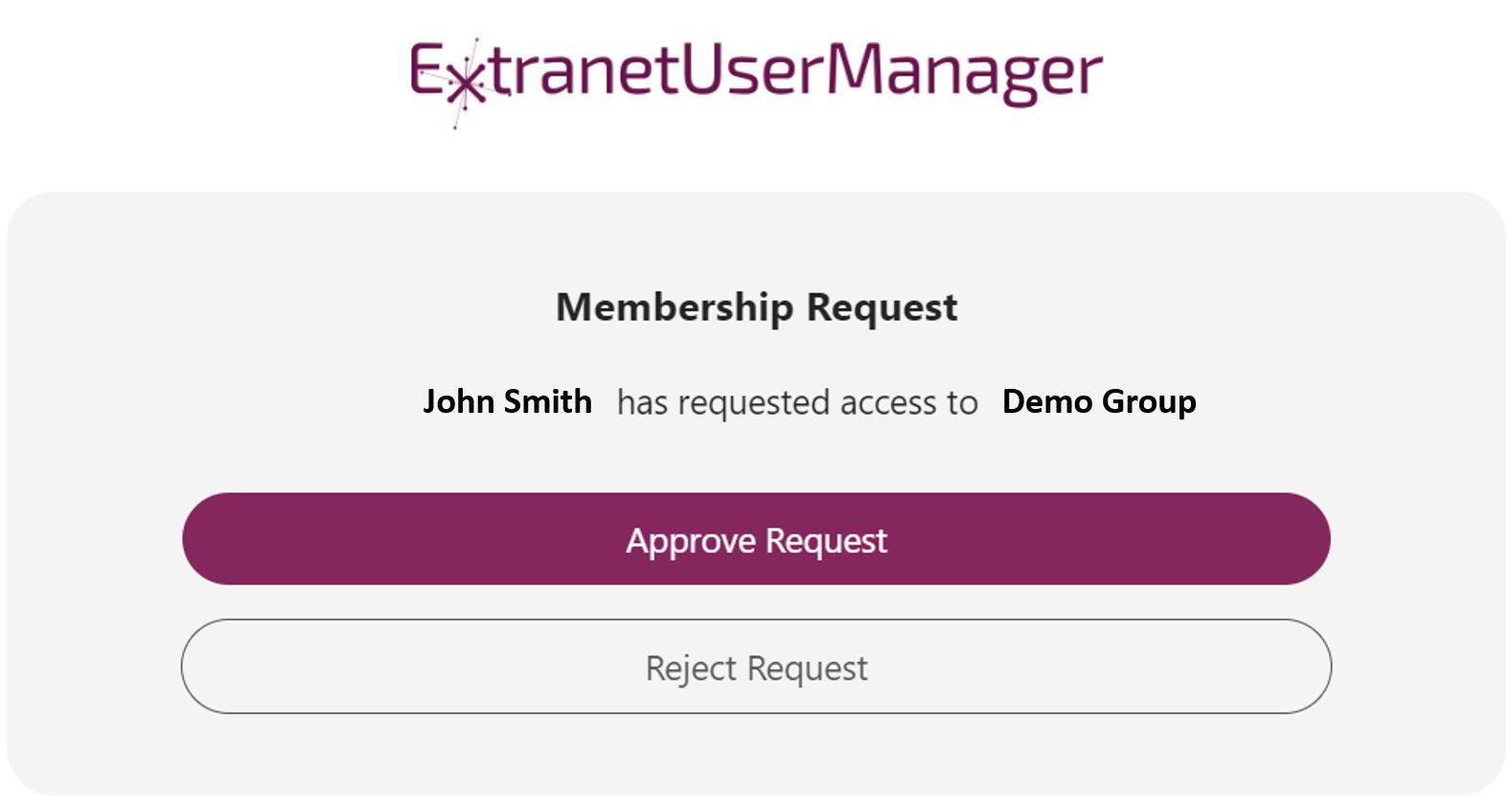
The Group Owner and the Group Membership Manager would get an email notification with options to approve or reject the request.
Upon receiving this email, click "Approve Request".
You will be asked to login to EUM Admin.
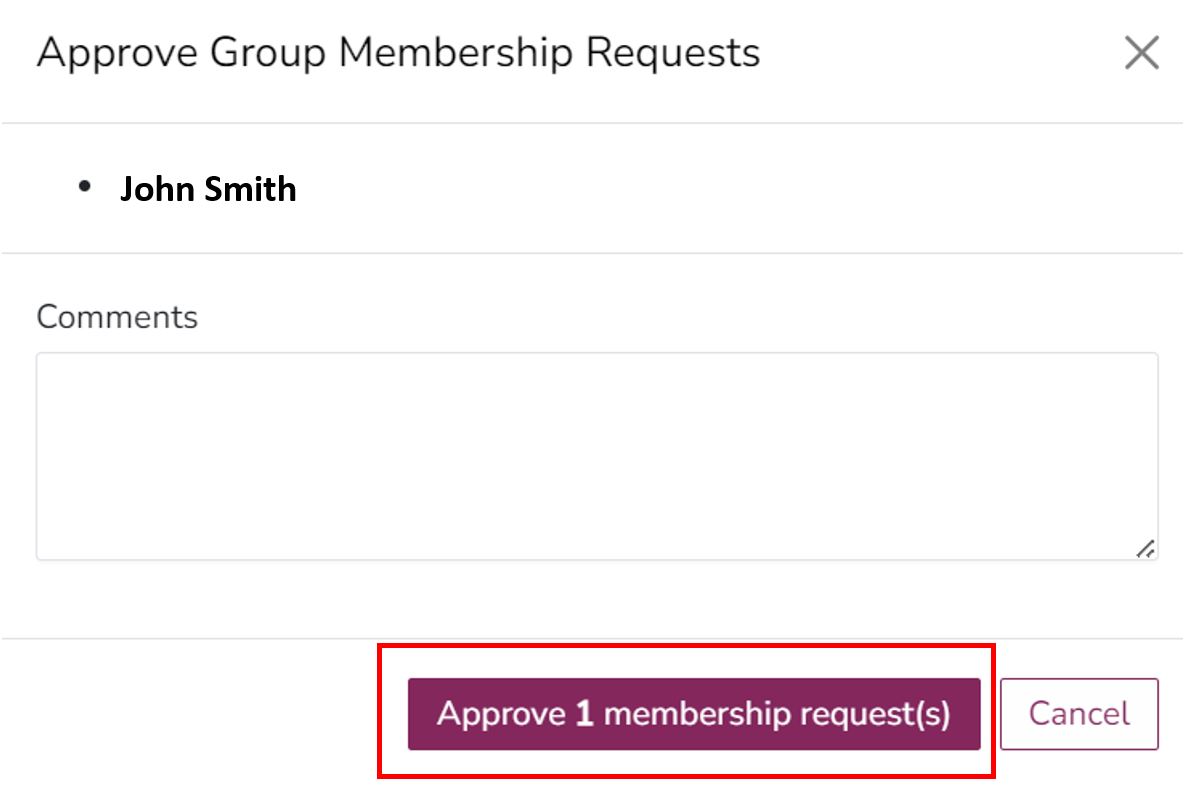
Upon logging in, you will see prompt to Approve the request. Click the Approve 1 membership request(s) button to approve the requestor joining the group.