Webinar: What's Hiding in Your Microsoft 365 Tenant?
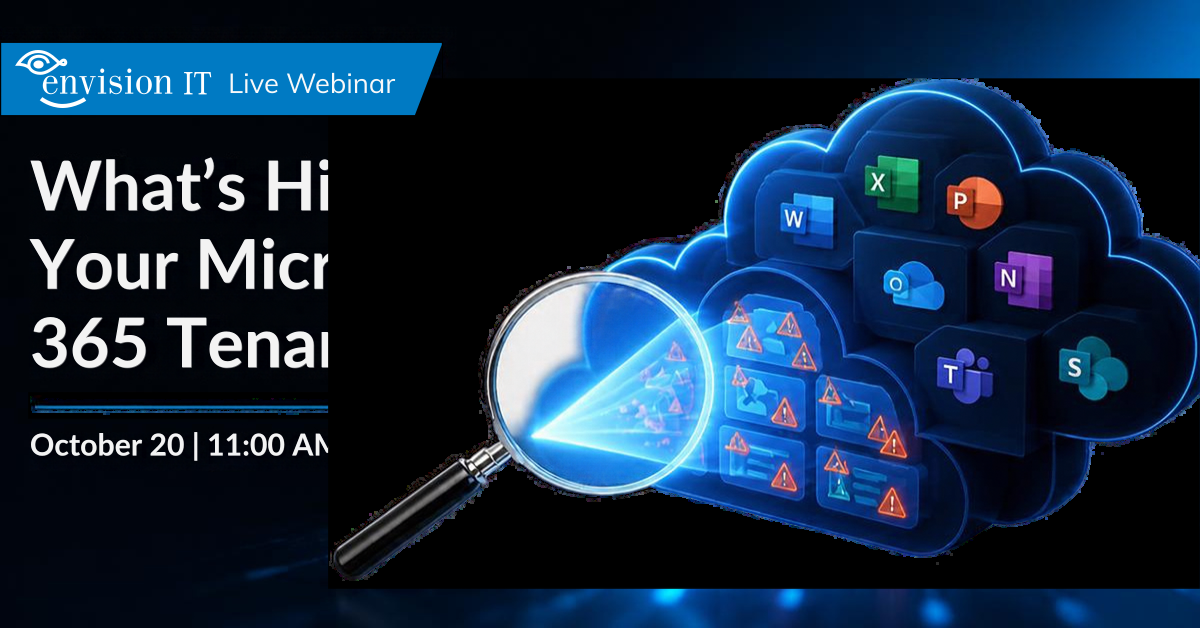
How much of your Microsoft 365 tenant is hiding in plain sight?
Overshared files, stale content, missing sensitivity labels, external access, and user lifecycle gaps can quietly accumulate across your environment. And now, with Copilot making information easier to surface, what you can’t see today can quickly become tomorrow’s governance problem.
In this focused 30-minute session, we’ll take you inside the Tenant Dashboard to help you get a clearer picture of your environment, uncover potential trouble spots, and turn those insights into action.
What you’ll uncover
See the Tenant Dashboard in action and learn how to:
- Get a quick read on tenant health with a 100-point Health Score across key governance areas.
- Spot oversharing, including anonymous links, organization-wide sharing, and external access.
- Find stale content and workspaces that may be ready for cleanup, archiving, or deletion.
- Identify gaps in sensitivity labels across your Microsoft 365 environment.
- See Copilot adoption and usage to understand how it is being used.
- Turn insights into action by addressing governance issues directly from the dashboard.
The Tenant Dashboard for Microsoft 365 brings together insights from SharePoint, Teams, OneDrive, and Entra ID in one place, giving you a clearer view of your Microsoft 365 environment and helping you take action on what you find.
Join us on October 20 and see what’s really hiding in your Microsoft 365 tenant.