Copilot Readiness in SharePoint Migrations: Reduce Oversharing and Improve Results
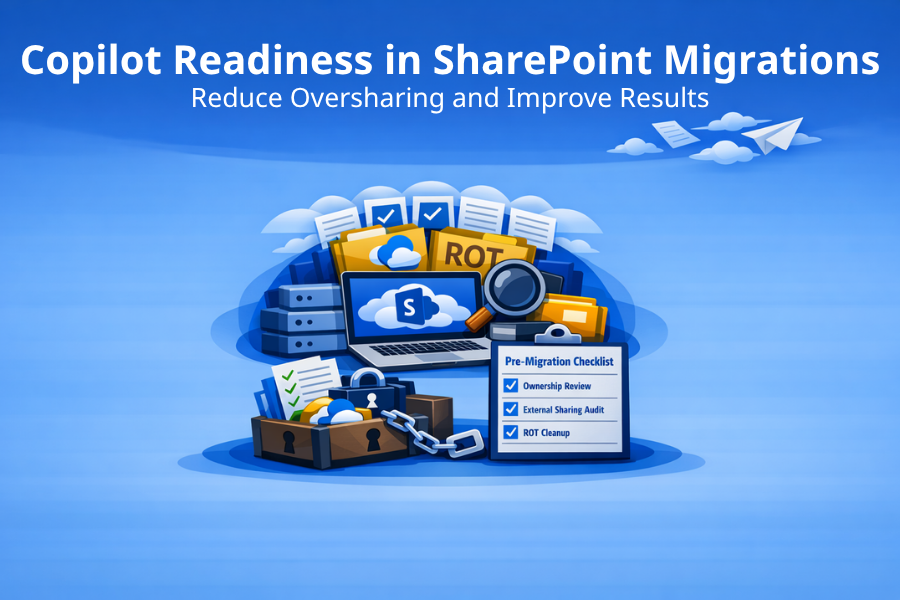
Choosing SharePoint migration tools depends on your Copilot risk profile. For the full tool comparison and selection guide, see SharePoint Migration Tools: How to Choose the Right Stack (2026).
Why Migrations Change Copilot Risk and Relevance
Microsoft Copilot relies on SharePoint content for AI-generated answers. That means every governance gap, permissions issue, and piece of redundant, outdated, or trivial (ROT) content directly affects the quality and trustworthiness of what Copilot returns. When organizations migrate content into SharePoint Online, they are also migrating it into Copilot's index.
Oversharing, stale content, and ownership gaps
Oversharing is the most immediate Copilot risk in a migration. Content that was quietly accessible to a few people on an old file share or SharePoint Server site can become broadly discoverable once it lands in SharePoint Online. Risky sharing links, broken permissions, and organization-wide edit links can all surface content that was never intended for wide audiences.
Stale content compounds the problem. When Copilot indexes outdated policies, superseded procedures, or abandoned project documents, it can return irrelevant or misleading results. Ownership gaps make it worse: if no one owns a workspace, no one is responsible for reviewing what Copilot can access within it.
Pre-Migration Checklist for Copilot-Safe SharePoint Content
Ownership and lifecycle baseline
Before migration, confirm that every workspace destined for the target environment has a named owner. Orphaned workspaces are Copilot risk: content without an owner has no one accountable for access reviews, cleanup, or classification. For workspaces without a clear owner, decide before migration whether to assign ownership, archive, or retire.
External sharing review
Audit external sharing settings on the source and destination. Identify any organization-wide sharing links, anonymous links, or guest access patterns that will carry over. The goal is not to block all external sharing, but to ensure that what gets migrated does not create unintended Copilot-discoverable exposure.
Tenant Dashboard for Microsoft 365 can surface risky sharing links, external sharing exposure, and broken permissions across the tenant. Running a scan before migration gives the team a clear view of what to fix before content enters Copilot's scope.
ROT reduction strategy
Identify redundant, outdated, and trivial content before migration. The less ROT you move, the higher the quality of Copilot's index from day one. Content age, activity patterns, and storage consumption data help prioritize what to archive, retire, or clean up. SharePoint archiving preserves retention and, optionally, discoverability, so "just in case" content does not need to live alongside active files.
What to Implement After the Move
Reporting cadence and remediation workflow
Post-migration, establish a regular reporting cadence to catch new governance drift before it affects Copilot results. Quarterly access reviews, monthly stale site reviews, and ongoing oversharing monitoring create a sustainable operating rhythm. Assign remediation ownership so that findings lead to action, not just reports.
Aligning labels, retention, and access reviews
Sensitivity labels and retention policies are not migration blockers, but they are Copilot readiness accelerators. When content is properly classified and retention is enforced, Copilot indexes higher-quality, better-governed information. Plan for label and retention rollout as a post-migration workstream rather than trying to implement everything during the migration itself.
Tooling That Supports Copilot Readiness (What Each Category Contributes)
Assessment tools (SPMT scan, Tenant Dashboard for Microsoft 365) help identify what to fix before content enters Copilot scope. Migration engines (SPMT, Migration Manager, ShareGate, Quest Content Matrix) move content but do not decide what content deserves to move. Governance tools (Tenant Dashboard for Microsoft 365, Syskit Point, Rencore Governance) provide the ongoing monitoring and enforcement that keeps Copilot results trustworthy after migration.
Tenant Dashboard for Microsoft 365 is especially relevant for Copilot readiness because it surfaces oversharing, stale content, ownership gaps, orphaned workspaces, and storage trends at the tenant level. It also includes Copilot usage insights to identify adoption trends, risks, and areas that need attention.
Start with a free tenant scan.
See your oversharing, ROT, and Copilot readiness score. Request a Copilot readiness and oversharing assessment from Envision IT. Get Started Here.
Subscribe to Modern Work Monthly
Get the latest Microsoft 365 + Copilot insights to help your teams work smarter, faster.
We respect your inbox. Unsubscribe anytime.